Resize
Resize Minecraft players and mobs with the /resize command. Change player size, scale mobs, set custom size limits, use smooth animations, and integrate with LuckPerms, WorldGuard, and PlaceholderAPI.
Описание
🔧 Resize - Player & Mob Size Change Plugin
Resize is a Minecraft player size and mob size plugin that lets you easily resize, scale, enlarge, or shrink players and mobs using simple commands.
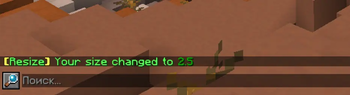
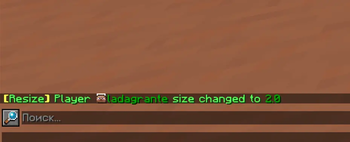
Change the size of any player with /resize, or change the size of mobs with /resize mob. Set custom minimum and maximum size limits, use smooth size change animations, and control who can resize players and mobs.
Resize is perfect for fun servers, PvP, RPG, survival, events, mini-games, custom mechanics, and servers that need player scaling or mob scaling.
📏 Changing Player Size
Command:
/resize <size> [player]
Decimal values are supported (0.6, 1.2, 1.6, etc.).
To reset the size back to normal, type:
/resize reset (or simply /resize r).
This will reset your size or the specified player's size back to 1.0.
🐄 Changing Mob Size
Command:
/resize mob <size>
To reset a mob’s size back to its default size, type:
/resize mob reset (or simply /resize mob r).
To change a mob's size:
- Look at the mob
- Execute the command
- The mob's size will change (respecting limits and distance)
Features:
- Configurable maximum targeting distance
- Supports global and group-based limits
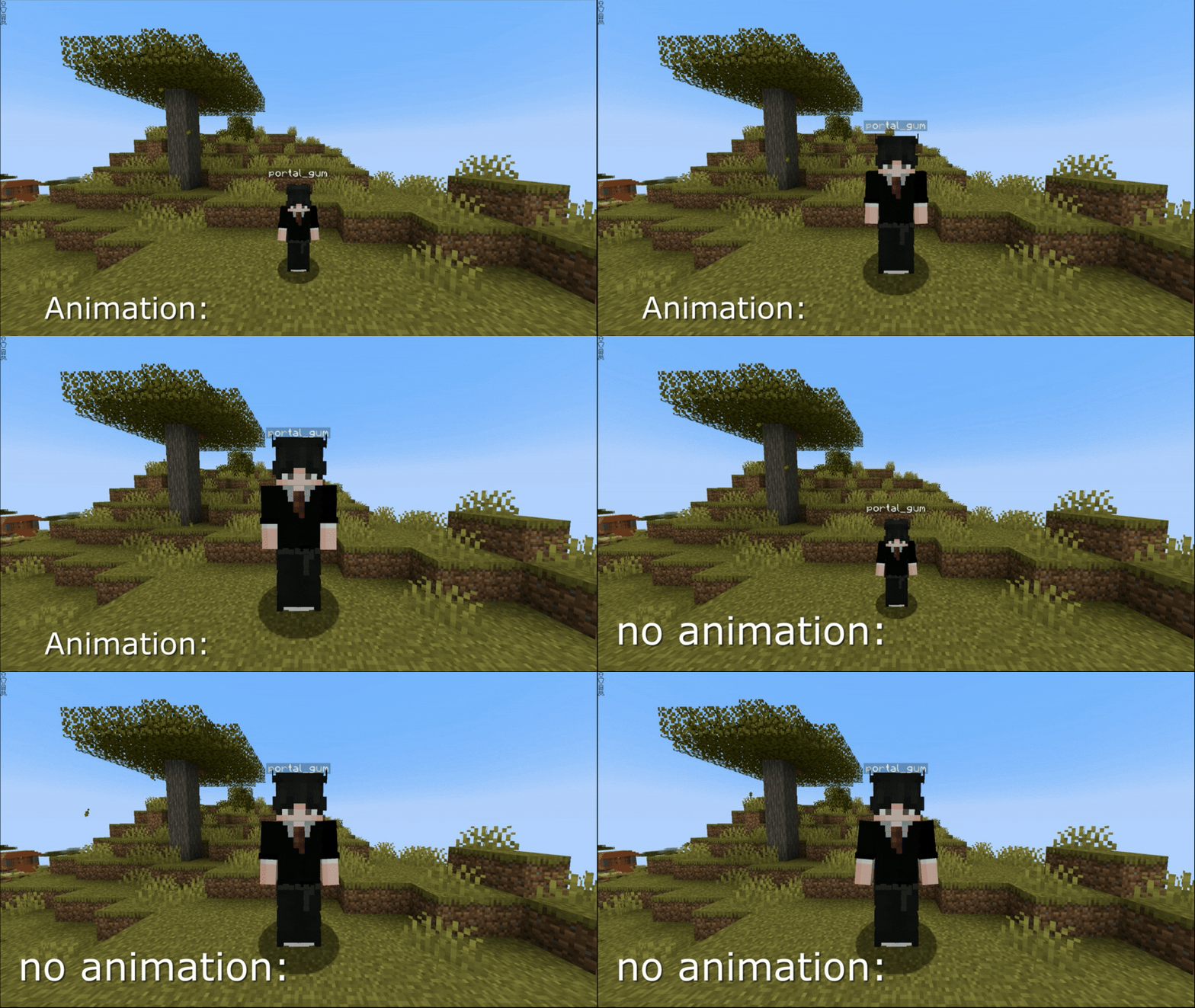
- Supports smooth animation
- Fully compatible with WorldGuard regions
📊 Size Information
Commands:
/resize info
/resize info <player>
Displays:
- Current size
- Minimum allowed player size
- Maximum allowed player size
- Minimum allowed mob size
- Maximum allowed mob size
🎬 Smooth Size Change Animation
You can enable smooth size transitions instead of instant changes:
animation:
  enabled: true
  duration: 1
Makes size changes smooth and visually pleasing (for both players and mobs).
👥 LuckPerms Group-Based Limits
Resize supports LuckPerms integration.
You can define different limits for each group:
group-limits:
  enabled: true
  default:
    min: 0.6
    max: 1.6
    mob_min: 0.5
    mob_max: 2.0
  vip:
    max: 1.4
  titan:
    min: 0.5
    max: 1.6
    mob_max: 3.0
If enabled:
- The plugin automatically detects the player’s primary LuckPerms group
- Applies group-specific limits
- Falls back to global values if not defined
If disabled:
- Only global
scalevalues are used
⚠ LuckPerms is optional.
🌍 WorldGuard Integration
Resize includes a custom WorldGuard flag:
/rg flag <region> resize allow|deny
This allows you to:
- Enable resizing in specific regions
- Disable resizing in protected areas (spawn, arenas, etc.)
- Automatically reset player and mob size inside restricted regions
⚠ WorldGuard is optional and only used if installed.
⚔ Automatic Size Reset on Damage
A fully configurable system that automatically resets player size when:
- Receiving damage
- Dealing damage
- Dying
- PvP combat
- Mob damage
- Environmental damage
Perfect for balanced PvP, RPG mechanics, and event gameplay.
🎯 Global Size Limits
You can configure minimum and maximum size values:
scale:
  min: 0.6
  max: 1.6
  mob_min: 0.5
  mob_max: 2.0
These values act as:
- Global limits
- Default group fallback values
- Tab-completion suggestions
📦 PlaceholderAPI Support
Resize supports PlaceholderAPI integration, allowing you to display player and mob size information in scoreboards, tab lists, chat, and other plugins.
⚠ Requires the PlaceholderAPI plugin to be installed.
Available placeholders:
| Placeholder | Description |
|---|---|
%resize_current_size% | Displays your current size |
%resize_max_size% | Displays the maximum size you can increase to |
%resize_min_size% | Displays the minimum size you can decrease to |
%resize_mob_max% | Displays the maximum size you can set for mobs |
%resize_mob_min% | Displays the minimum size you can set for mobs |
These placeholders respect:
- global limits
- group-based limits
- administrator bypass permissions
👑 Administrators
Administrators can:
- Change other players’ size
- Change mob size
- Ignore size limits
- Bypass cooldowns
- Ignore WorldGuard restrictions
- Be protected from automatic resets
- See unlimited size range in
/resize info
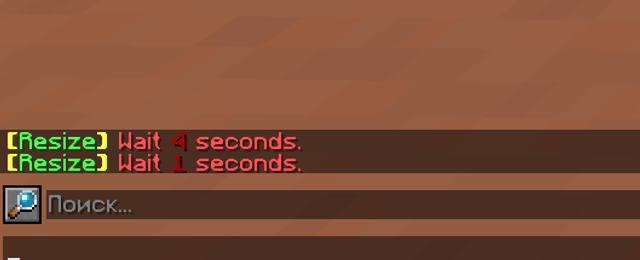
⏱ Anti-Spam Protection
Built-in cooldown system prevents command spam.
Applies to:
/resize/resize mob
💾 Size Persistence
save-sizes: true
true— Size is saved after rejoiningfalse— Size resets to1.0on join
🌐 Multi-Language Support
/plugins/Resize/lang/
  en.yml
  ru.yml
  es.yml
  de.yml
  pl.yml
  pt_br.yml
  fr.yml
  zh_cn.yml
Available languages:
- English
- Russian
- German
- Spanish
- Polish
- Brazilian Portuguese
- French
- Chinese
Supports HEX color codes in config and language files.
🔄 Configuration Reload
Reload configuration and language files without restarting the server:
/resize reload
🔧 Config
# Resize plugin configuration

# Language: English: en, Русский: ru, Español: es, Português - Brazil: pt_br, Deutsch: de, Polski: pl, Français: fr, 中文 (简体): zh_cn
lang: en

# Delay for the /resize command (prevents spamming)
cooldown: 5
# Plugin prefix
# HEX colors are supported (format: &#RRGGBB) in config.yml and language files
prefix: "&e&l[&aResize&e&l]&r "

# Whether to save the player's size after reconnecting
save-sizes: true

# Maximum and minimum size
scale:
  # Player limits
  min: 0.6
  max: 1.6

  # Mob limits
  mob_min: 0.5
  mob_max: 2.0

# Maximum distance to change mob size
mob:
  distance: 7

# Animation adds smoothness when changing size
animation:
  enabled: true
  # in seconds
  duration: 1

# Settings for resetting player size when taking or dealing damage
reset-on-damage:
  player:
    # If the player dealt damage to another player
    deal: true
    # If the player received damage from another player
    receive: true
    # If the player dies
    death: true

  mob:
    # If the player dealt damage to a mob
    deal: true
    # If the player received damage from a mob
    receive: true

  other:
    # If the player dealt damage to "other"
    deal: true
    # If the player received damage from "other"
    receive: true
# Should resets apply to admins with resize.admin permission
admin-reset: false

# Group size limits using LuckPerms
# Works only if the LuckPerms plugin is installed
#
# enabled: true  — use group-based limits
# enabled: false — ignore this block and use scale.min and scale.max instead
#
# Group names must EXACTLY match the primary group name in LuckPerms
#
# You can specify only min or only max:
# - if a value is missing, the value from the scale section will be used
group-limits:
  enabled: false
  default:
    min: 0.6
    max: 1.6
    mob_min: 0.5
    mob_max: 2.0
  vip:
    min: 0.2
    mob_max: 3.0
  titan:
    max: 3.0
    mob_min: 0.3

worlds:
  # blacklist / whitelist
  mode: blacklist
  # for example: world_nether, world_the_end
  list:
    - spawn
    - lobby

# Plugin update checker settings
update-checker:
  enabled: true
  # Notify server operators about new versions when they join
  notify-ops: true
🔐 Permissions
| Permission | Description | Default |
|---|---|---|
resize.resize | Allows using /resize | true |
resize.resize.other | Allows changing other players' size | op |
resize.mob | Allows using /resize mob | op |
resize.info | Allows using /resize info | true |
resize.info.other | Allows viewing size information of other players | op |
resize.reload | Allows reloading the plugin configuration | op |
resize.admin | Full bypass of all restrictions | op |
resize.* | Grants all Resize permissions | op |
🔌 Optional Dependencies
- LuckPerms (for group-based limits)
- WorldGuard (for region resize control)
- PlaceholderAPI - placeholder support for size values
The plugin works perfectly without them.
Галерея