COWMODSКаталог модов

Reliable Advancements

In-game advancement editing and improvements to the advancement screen!

Автор: evanbones525,7 тыс.75обновлён 15 окт. 2026 г.
Утилиты

Описание

Reliable Advancements

fabric neoforge forge

A client-side mod (with optional server-side integration for Advancement editing) that overhauls the Advancements screen, provides quality-of-life improvements, extensive customization, and in-game editing tools.

Mod Compatibility

Incompatible with Better Advancements, Clickable Advancements, and Advancements Arranged since those mods' features are fully covered by Reliable Advancements.

Features

Advancement Customization

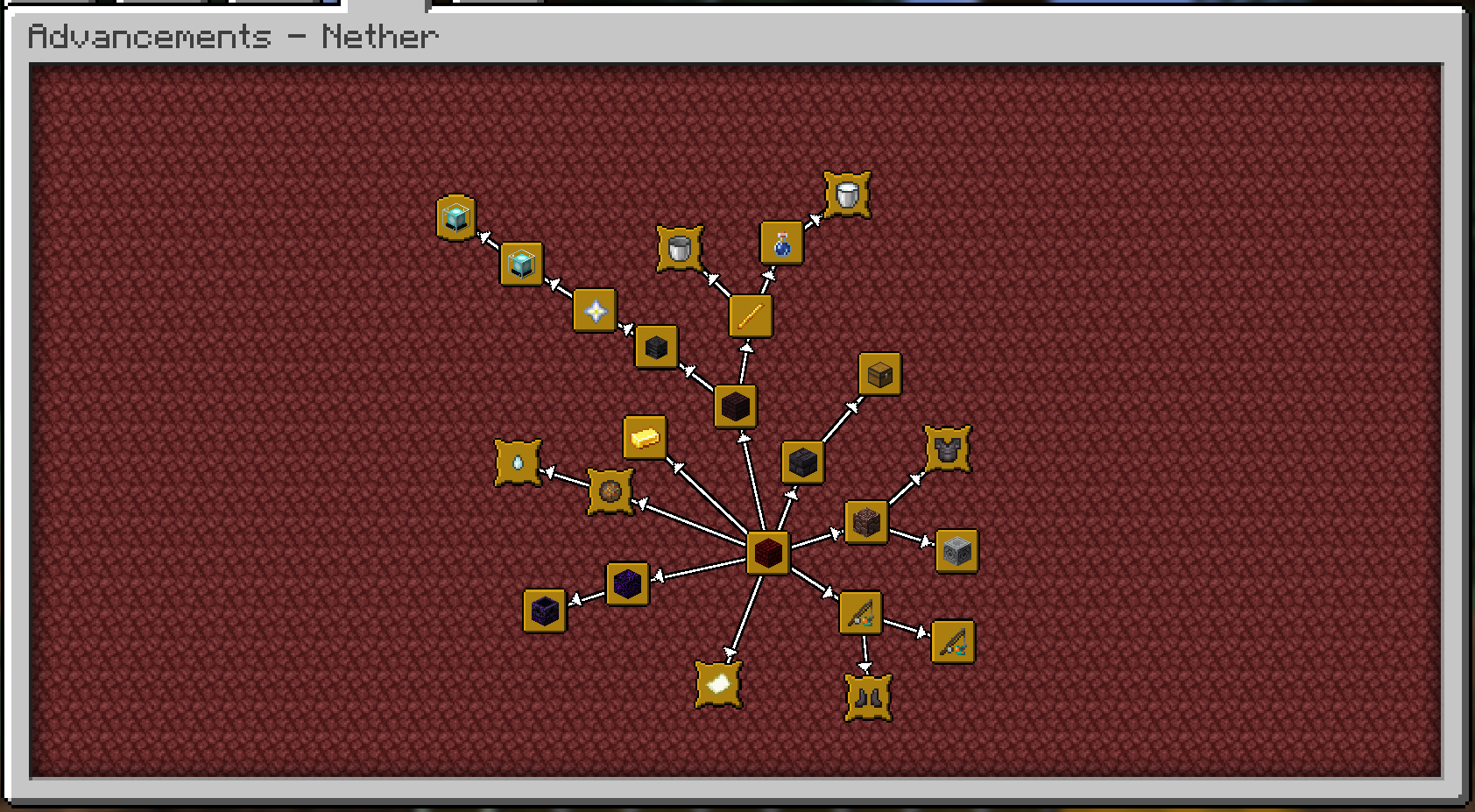
  • Freely move advancements around, to wherever you'd like! They'll even save their positions.

  • Choose how advancements connect! You can toggle connection arrows, use direct straight lines, or hide the lines entirely.

  • Fully customize the colors for a personalized look:

    • Completed and uncompleted connection lines
    • Completed and uncompleted icons
    • Completed and uncompleted titles

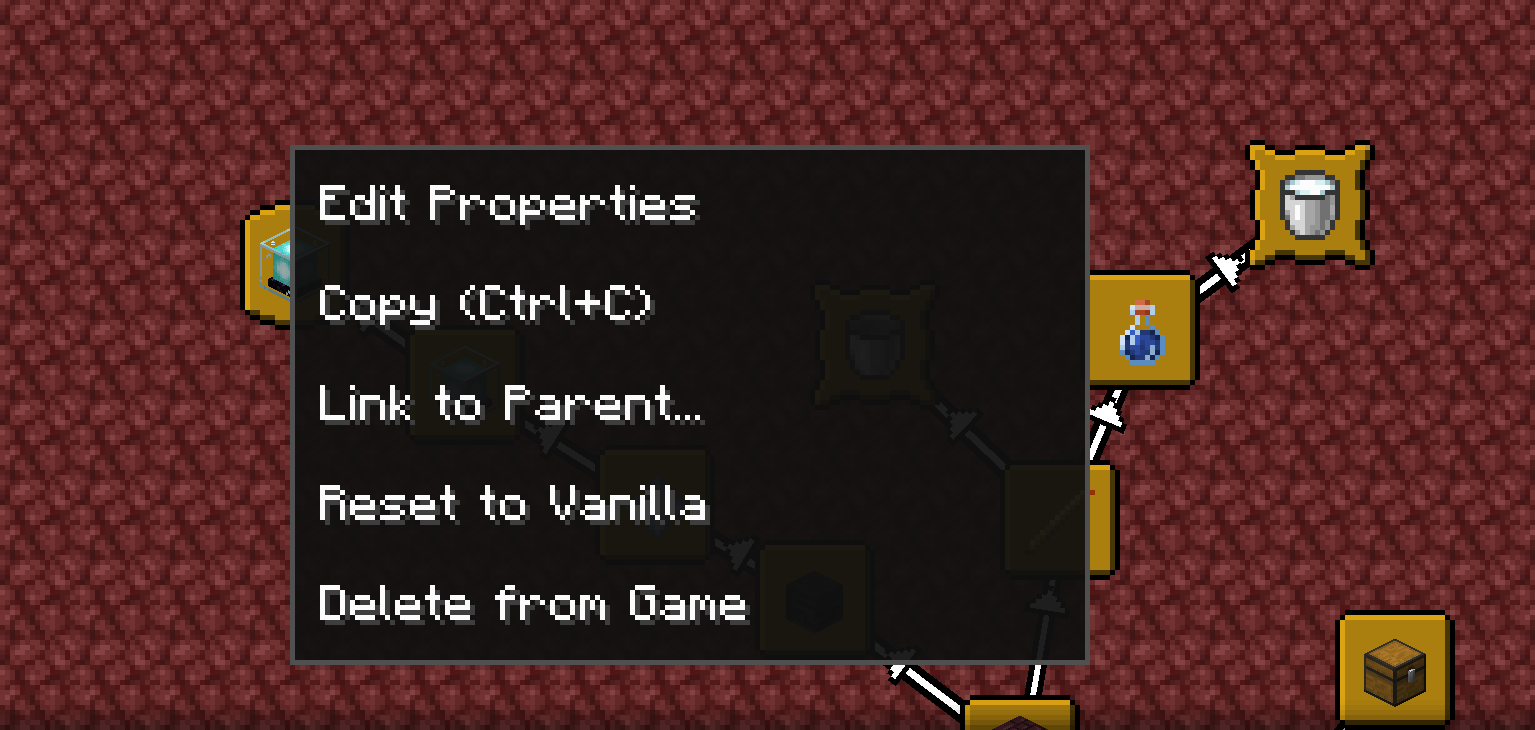
Advancement Config Example Context Menu

UI Improvements

  • Configurable Advancement window UI size (much larger than the vanilla one, by default).
  • Additional control options in the Advancement Window!
    • Middle mouse drag to freely pan.
    • Shift-scroll to scroll left and right.
    • Control-scroll to zoom out and in.
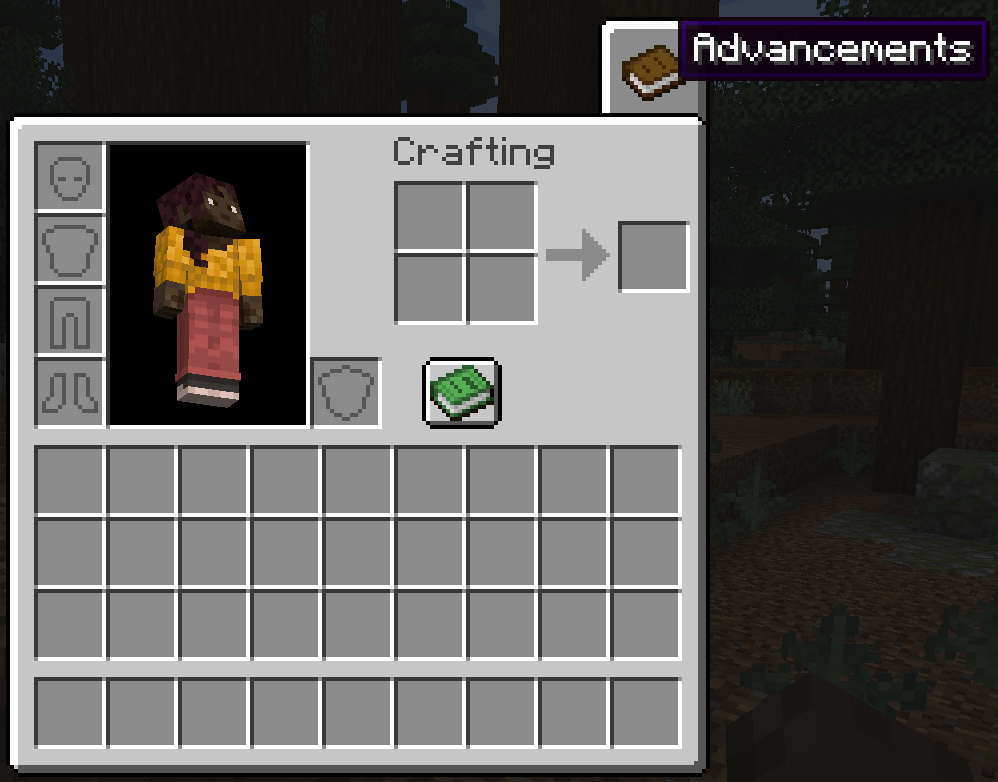
  • Open the advancements tab directly from the inventory screen! Includes options to customize the button style, texture, and position.
  • View detailed criteria for each advancement directly in the UI.
  • Option to sort advancement tabs alphabetically or by IDs.
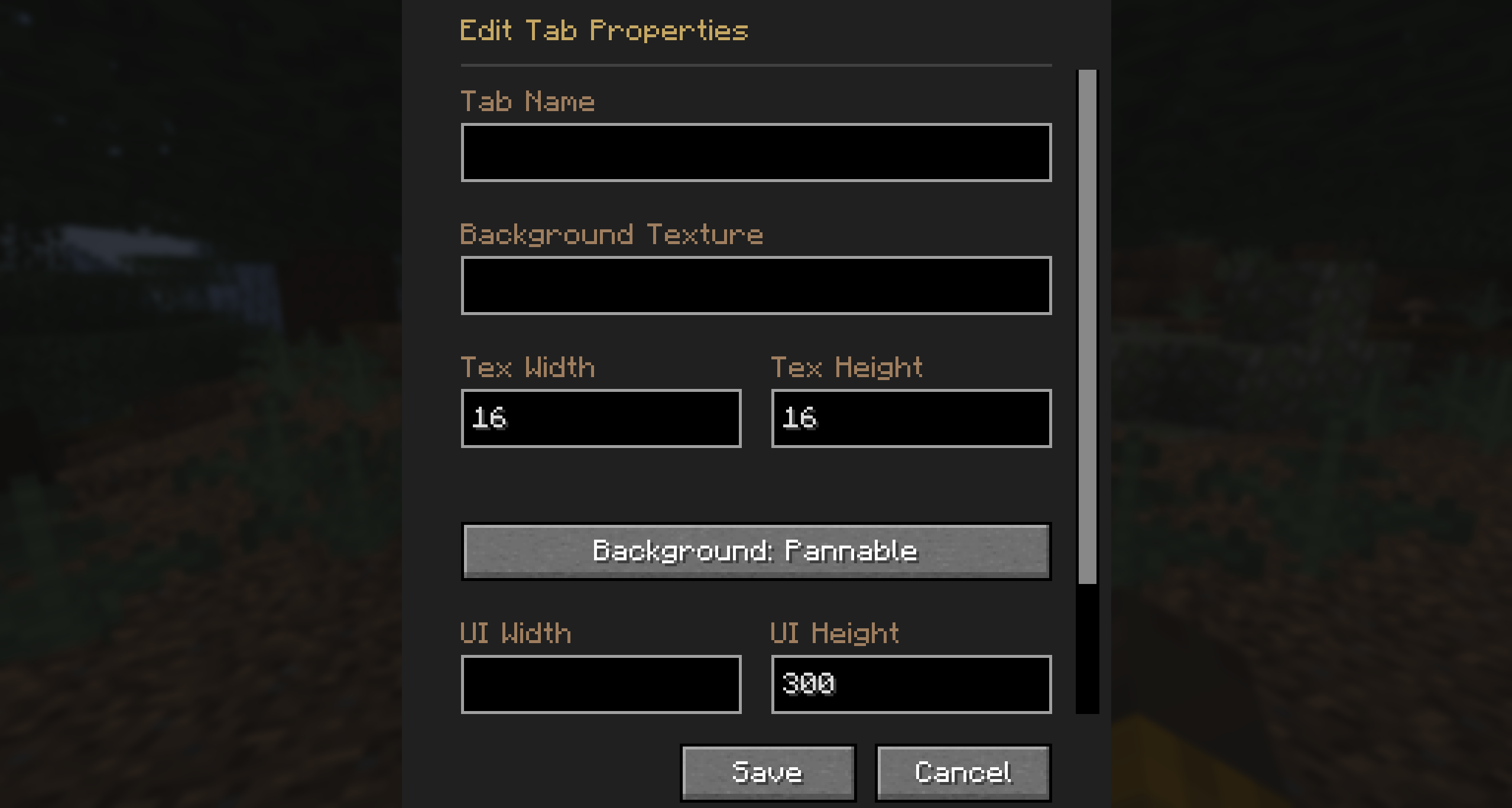
Edit Tab Properties Advancement Tab

Editing Mode

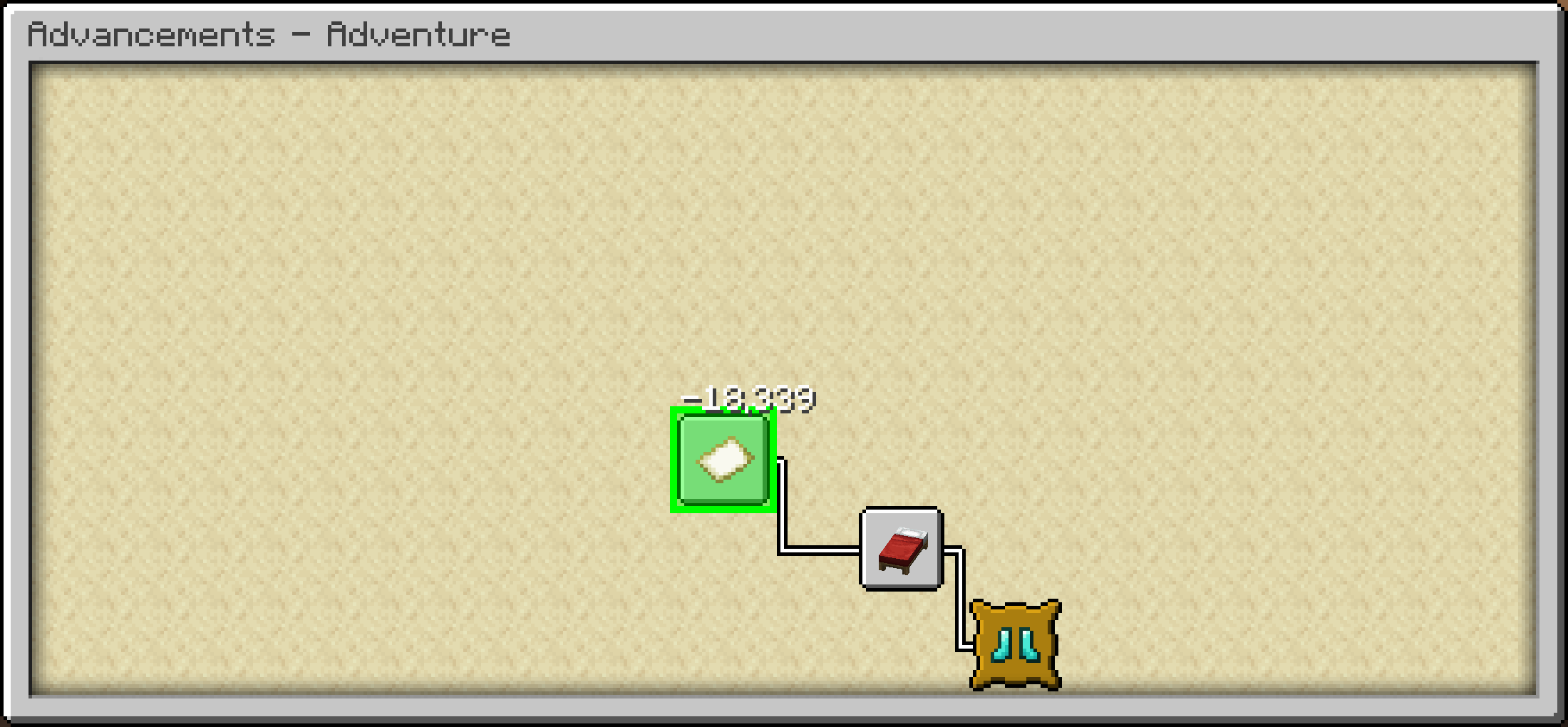
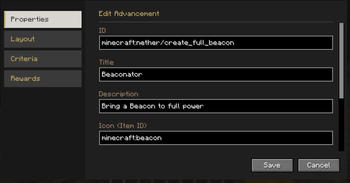
  • Comes with a powerful built-in editor allowing you to modify advancement layouts and advancement properties natively in-game.
  • You can freely add, modify, or remove advancements directly from the Advancement screen!
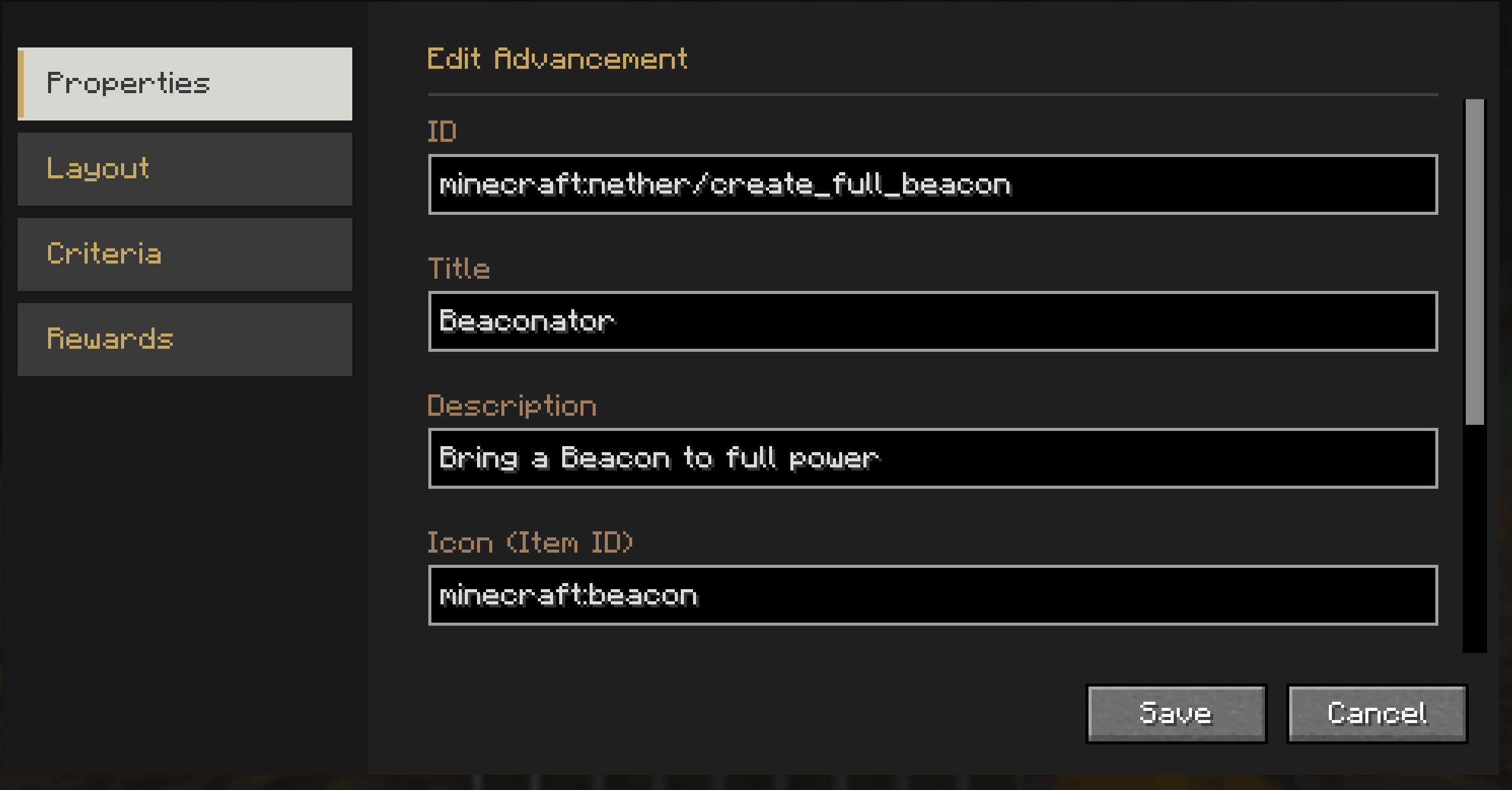
Edit Mode Example Debug Coordinates


Credits

This mod is built upon the incredible work of previous advancement UI mods.

License

Code license (MIT)


discord-plural github-plural

Галерея

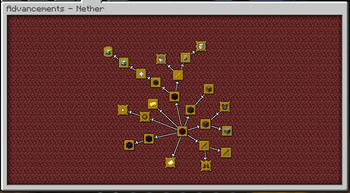
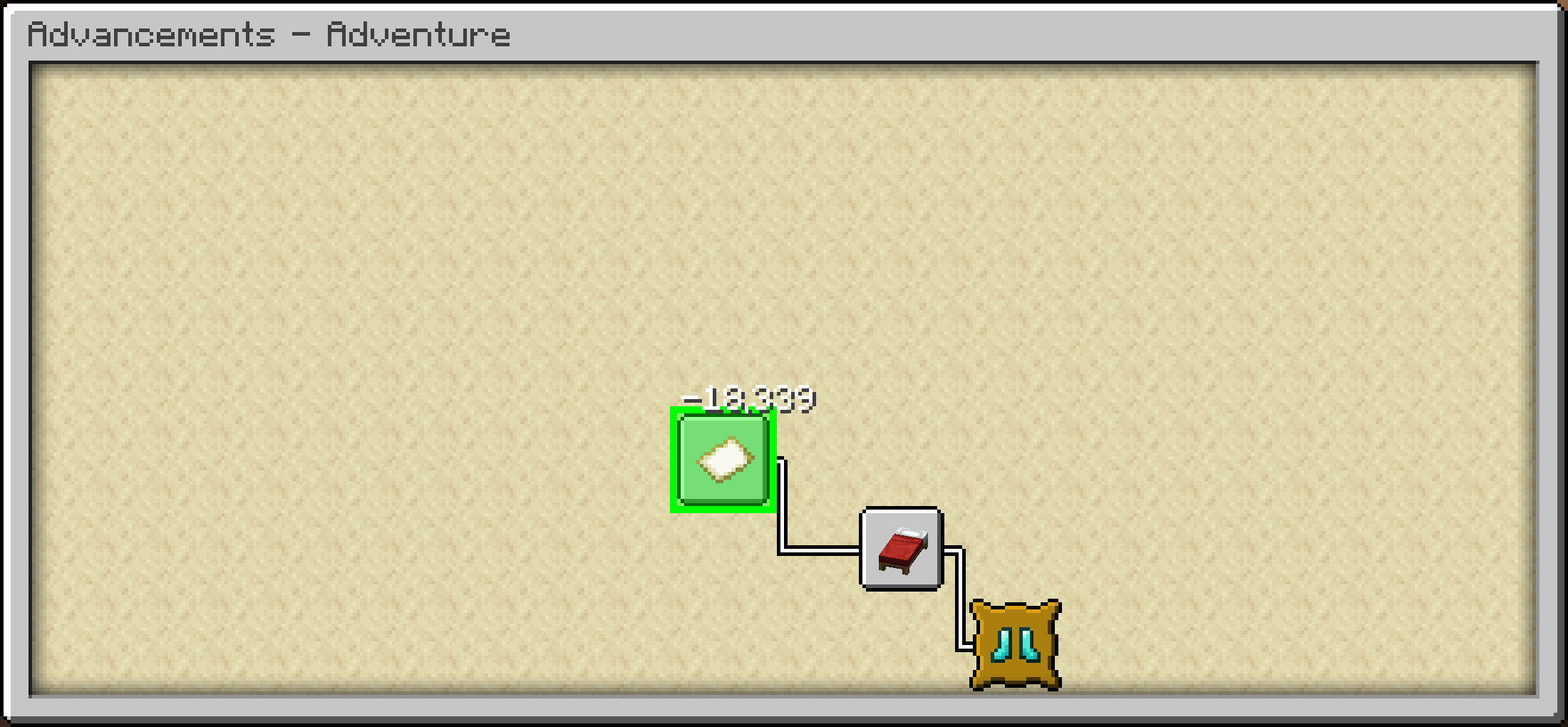
Advancement LayoutsMoving AdvancementsAdvancement Editor

Последние версии

Все версии →
release

Reliable Advancements NeoForge 26.3 - 6.3.1

6.3.1+26.3-neoforge
15 окт. 2026 г.96Minecraft: 26.3neoforge
Скачать
Что нового
### Fixed - Tab backgrounds now zoom with the advancement tree. - Tiled backgrounds are drawn in one batch per texture instead of one draw call per tile, which makes large tabs much more performant.
release

Reliable Advancements Fabric 26.3 - 6.3.1

6.3.1+26.3-fabric
15 окт. 2026 г.286Minecraft: 26.3fabric
Скачать
Что нового
### Fixed - Tab backgrounds now zoom with the advancement tree. - Tiled backgrounds are drawn in one batch per texture instead of one draw call per tile, which makes large tabs much more performant.
release

Reliable Advancements Fabric 1.21.1 - 6.3.1

6.3.1+1.21.1-fabric
15 окт. 2026 г.262Minecraft: 1.21, 1.21.1fabric
Скачать
Что нового
### Fixed - Tab backgrounds now zoom with the advancement tree. - Tiled backgrounds are drawn in one batch per texture instead of one draw call per tile, which makes large tabs much more performant.
release

Reliable Advancements Fabric 26.2 - 6.3.1

6.3.1+26.2-fabric
15 окт. 2026 г.90Minecraft: 26.2fabric
Скачать
Что нового
### Fixed - Tab backgrounds now zoom with the advancement tree. - Tiled backgrounds are drawn in one batch per texture instead of one draw call per tile, which makes large tabs much more performant.
release

Reliable Advancements NeoForge 26.1 - 6.3.1

6.3.1+26.1.2-neoforge
15 окт. 2026 г.42Minecraft: 26.1, 26.1.1, 26.1.2neoforge
Скачать
Что нового
### Fixed - Tab backgrounds now zoom with the advancement tree. - Tiled backgrounds are drawn in one batch per texture instead of one draw call per tile, which makes large tabs much more performant.
release

Reliable Advancements NeoForge 1.21.1 - 6.3.1

6.3.1+1.21.1-neoforge
15 окт. 2026 г.3,8 тыс.Minecraft: 1.21, 1.21.1neoforge
Скачать
Что нового
### Fixed - Tab backgrounds now zoom with the advancement tree. - Tiled backgrounds are drawn in one batch per texture instead of one draw call per tile, which makes large tabs much more performant.
release

Reliable Advancements Fabric 26.1 - 6.3.1

6.3.1+26.1.2-fabric
15 окт. 2026 г.54Minecraft: 26.1, 26.1.1, 26.1.2fabric
Скачать
Что нового
### Fixed - Tab backgrounds now zoom with the advancement tree. - Tiled backgrounds are drawn in one batch per texture instead of one draw call per tile, which makes large tabs much more performant.
release

Reliable Advancements NeoForge 26.2 - 6.3.1

6.3.1+26.2-neoforge
15 окт. 2026 г.38Minecraft: 26.2neoforge
Скачать
Что нового
### Fixed - Tab backgrounds now zoom with the advancement tree. - Tiled backgrounds are drawn in one batch per texture instead of one draw call per tile, which makes large tabs much more performant.
beta

Reliable Advancements Fabric 1.20.1 - 4.1.0

4.1.0-1.20.1-fabric
2 окт. 2026 г.116Minecraft: 1.20.1fabric
Скачать
Что нового
### Changed - Switched the config screen from Cloth Config to YACL (optional). - The advancement window is no longer capped at 500x350 by default and now scales with the screen size. - Marked Better Advancements as incompatible on Fabric, since Reliable Advancements already includes all of its features. ### Fixed - Fixed the game freezing when opening the advancement screen at small GUI scales or large window sizes. - Small scroll and zoom adjustments no longer get lost to rounding. - Fixed right-clicks and Ctrl+scroll zooming using the wrong bounds for tabs with a custom window size.
beta

Reliable Advancements Forge 1.20.1 - 4.1.0

4.1.0-1.20.1-forge
2 окт. 2026 г.363Minecraft: 1.20.1forge
Скачать
Что нового
### Changed - Switched the config screen from Cloth Config to YACL (optional). - The advancement window is no longer capped at 500x350 by default and now scales with the screen size. - Marked Better Advancements as incompatible on Fabric, since Reliable Advancements already includes all of its features. ### Fixed - Fixed the game freezing when opening the advancement screen at small GUI scales or large window sizes. - Small scroll and zoom adjustments no longer get lost to rounding. - Fixed right-clicks and Ctrl+scroll zooming using the wrong bounds for tabs with a custom window size.