GoodsTrade
A shared chest menu for exchanging items, currencies, and experience levels, with two-player confirmation and a final countdown.
Описание
Exchange items, money, and experience levels through a shared chest menu.
GoodsTrade gives both players separate offer areas so they can review the exchange before confirming. Once both players confirm, the plugin locks the offers and starts a configurable countdown. Closing or cancelling the trade returns the offered items.
Features
- Trade items with another player through one inventory menu.
- Add offers in Vault currency, PlayerPoints, ExcellentEconomy currencies, or Minecraft experience levels. One trade can include several currencies.
- Require confirmation from both players and reset confirmation when an offer changes.
- Send requests with
/gt sendtrade <player>, or sneak-right-click when that trigger is enabled. Recipients can sneak-right-click back to accept. - Let players turn incoming trade requests on or off.
- Set a per-player request cooldown and a separate request expiry time.
- Limit trading by world and distance, with automatic cancellation when players leave the allowed area.
- Optionally cancel trades on damage, prevent damage, or restrict movement while trading.
- Configure item restrictions using names, lore, NBT paths, and values.
- Customize menu materials, names, lore, amount buttons, and currency-specific button appearances.
- Use built-in English or Chinese messages, with configurable language files.
- Test the trade menu as an administrator without needing a second player.
Trading in game
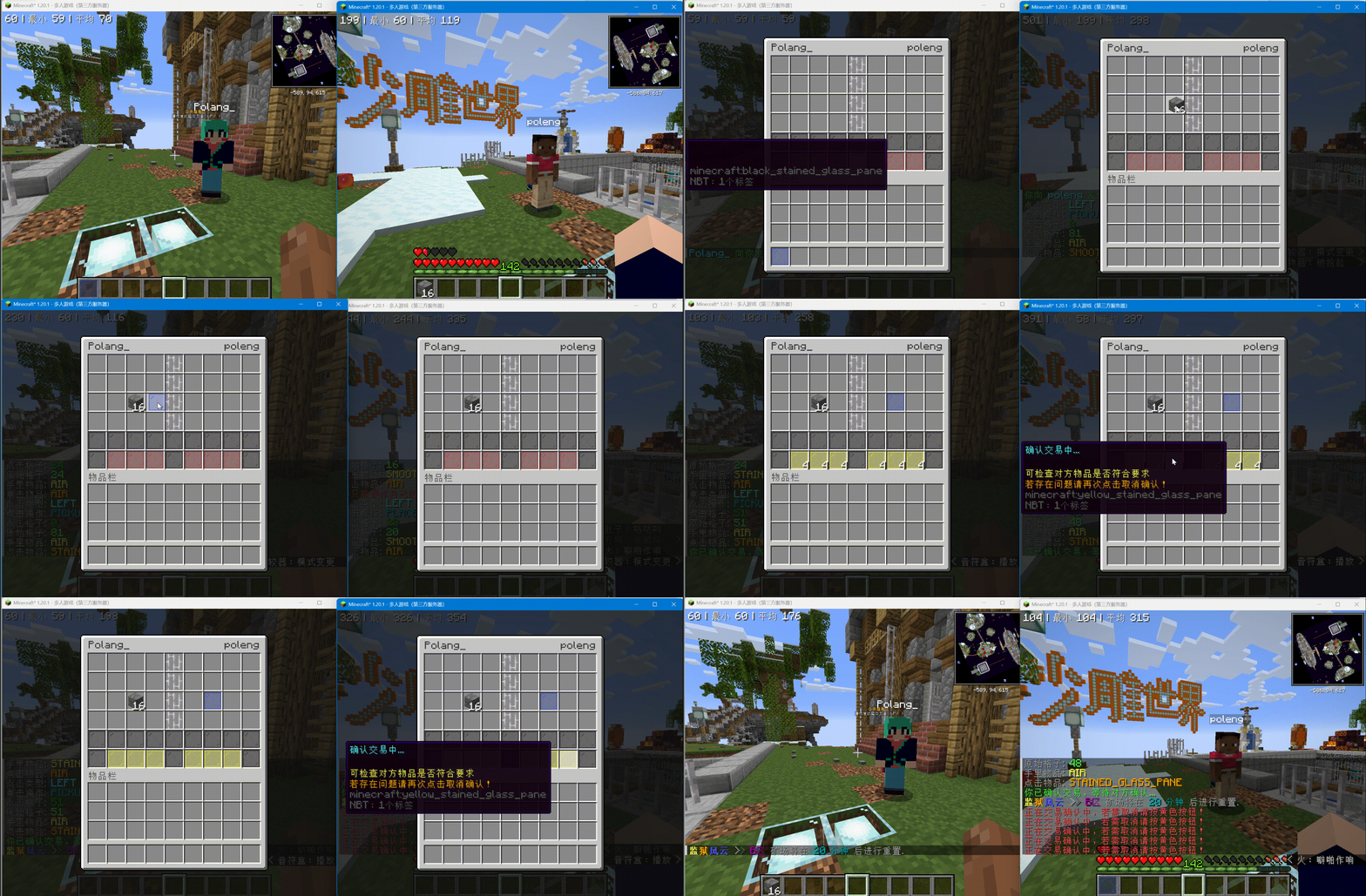
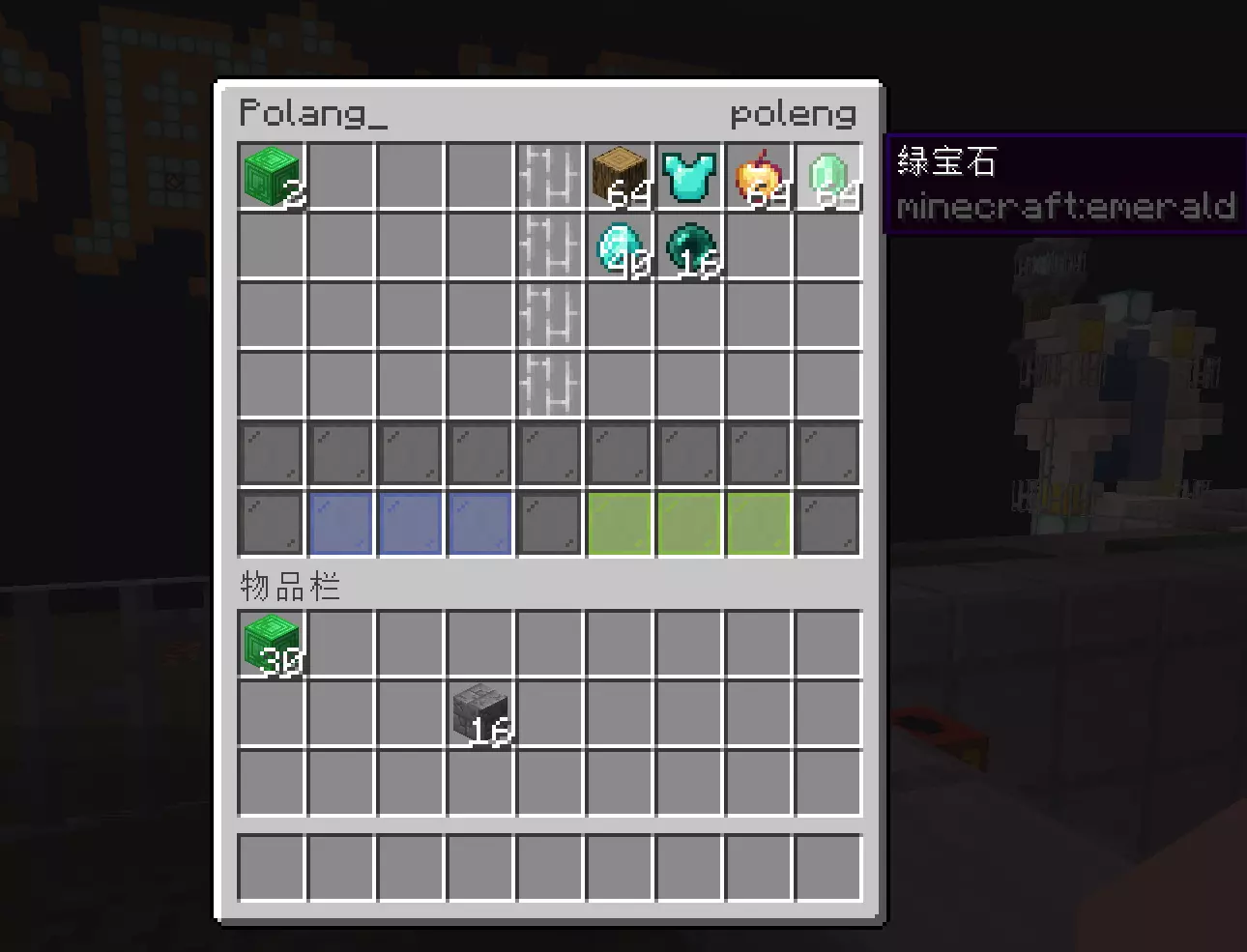
Players put items on their own side of the menu and review the other player's offer. Confirmation and the countdown are visible to both players.
Requirements
- Minecraft: 1.12–26.2.
- Server software: Bukkit, Spigot, or Paper. Folia support is not currently claimed.
- Java: 8 or newer.
- Item trading: no economy plugin is required.
- Currency trading: install the provider you want to use. Vault also needs a compatible economy plugin; PlayerPoints and ExcellentEconomy use their own balances.
- Experience levels: no economy plugin is required.
- PlaceholderAPI: optional, for the
%goodstrade_stats%placeholder.
Installation
- Download the
GoodsTrade-*-lite.jarbuild and put it in your server'splugins/directory. - Start the server to create
plugins/GoodsTrade/config.yml,View.yml, and the language files. - Enable the currencies and menu options you want to use.
- Run
/gt reloadafter editing the configuration. Reload cancels active trades and returns their items, then clears pending requests and request cooldowns.
Missing or unavailable economy providers are skipped, so item trading remains available.
Start a trade
- Run
/gt sendtrade <player>, or sneak-right-click the player. - The recipient accepts the chat invitation, sneak-right-clicks you back, or runs
/gt accept. - Put items into your offer area and use the amount buttons for enabled currencies.
- Both players confirm their offers.
- After the countdown, the plugin settles the currency offers and exchanges the items.
Either player can cancel before completion. Items that do not fit in the owner's inventory are dropped at that player's location.
Commands and permissions
Normal player commands are enabled by default:
/gt: show help. Permission:goodstrade.command./gt sendtrade <player>: send a request. Permission:goodstrade.command.sendtrade./gt accept [player]: accept a request. Permission:goodstrade.command.accept./gt toggle [true|false]: control incoming requests. Permission:goodstrade.command.toggle.
Administrator commands default to operators:
/gt trade <sender> <receiver>: start a trade between two players. Permission:goodstrade.command.trade./gt test [test-name]: control both sides of a test trade. Permission:goodstrade.command.test./gt reload: reload configuration and messages. Permission:goodstrade.command.reload.
The base goodstrade.command permission is required for all commands.
Currencies and menu settings
Money and experience trading are off by default. Set Trade.Economy.Enable: true to enable them. Vault is the only currency entry enabled by default; enable other providers under Trade.Economy.Currencies as needed. Each currency supports a display name and one to four amount steps.
Left-click an amount button to increase the offer, or right-click to decrease it. Left-click the center divider to change the selected currency; existing offers remain visible in the divider. Both players must cancel confirmation before switching currencies.
Currencies are settled separately and are not converted into one another. Do not configure the same underlying account twice through different providers. Experience offers use whole levels and preserve experience bar progress.
View.yml controls menu appearances. currency-defaults sets provider defaults, while currency-buttons overrides a specific currency's buttons.
The configuration guide contains complete examples.
Trade limits and requests
Trade.Enabled-Worlds: ["*"] allows all worlds, including newly created worlds. List world names to allow only those worlds, or prefix a name with ! to exclude it. For example, ["*", "!world"] allows every world except world. An empty list disables trading everywhere. Both participants must be in allowed worlds; entering a disabled world clears related requests and cancels an active trade, returning its items.
By default, players must be in the same world and within 4 blocks to send or accept a request and open a trade. The limit during trading is 8 blocks. Distances include height. Exceeding the active limit cancels the trade and returns items. Change these settings under Trade.Distance; 0 disables a distance limit. Cross-world trading requires Same-World: false and both Start: 0 and Trading: 0.
Trade.Request.Cooldown defaults to 5 seconds after a successful request and applies across all recipients for that sender. Set it to 0 to disable the cooldown. Trade.Request.Expire independently defaults to 30 seconds. An existing request to the same player cannot be resent to extend its lifetime. Players already trading cannot send or accept requests, and starting a trade clears related requests for both participants.
Trade.Safe.Close-On-Damage: true cancels a trade when either player takes uncancelled positive damage. It is off by default. Trade.Safe.Damage enables damage immunity and takes priority; Trade.Safe.Move restricts movement during trading.
Language
The default language follows the server's system locale, with Simplified Chinese as the fallback. Set Language: en_us or Language: zh_cn in config.yml to choose explicitly, then run /gt reload.
Existing language files and translations are preserved. Missing files and translation keys are added from the bundled defaults on startup or reload. Help text and player messages can be edited under plugins/GoodsTrade/lang/.
Support
Report problems on GitHub Issues. Chinese-speaking users can also use QQ group 620224543.
GoodsTrade is available under the GNU GPL v3. If you find it useful, a ⭐ GitHub Star is appreciated.
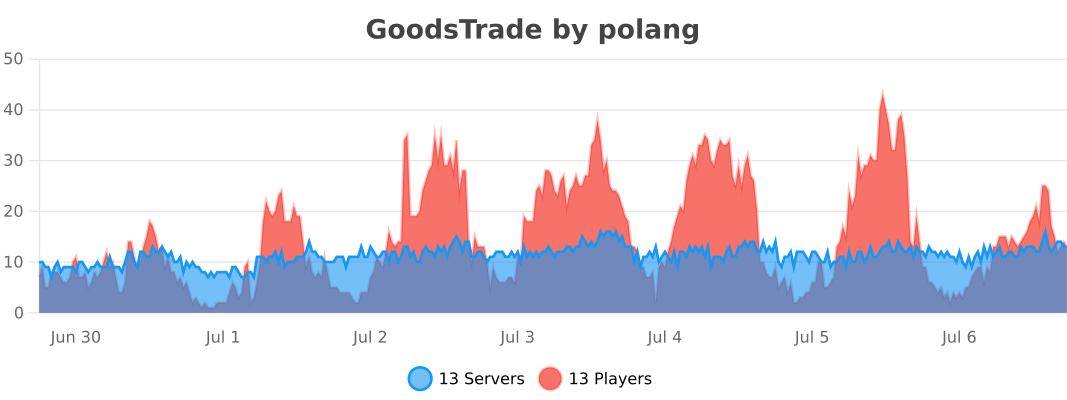
Usage statistics