Discord Sync
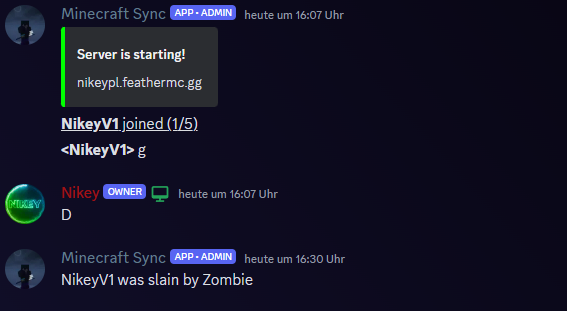
A simple plugin that allows you to synchronize the in-game chat with a Discord chat
Описание
This plugin allows you to sync a discord channel withe the minecraft ingame chat.
This plugin should work for every 1.16+ version
For this plugin to work you need to have a discord bot on your server with atleast the send Message permission
How to create a discord bot: https://www.ionos.com/digitalguide/server/know-how/creating-discord-bot/
Please remember to give the discord bot the needed permissions!
Then you need to enable Developermode to copy the channel id:
- Click on the settings cog in the bottom left corner
- Go to Appearance -> all the way at the bottom.
- Toggle "Developer Mode" on
- Rightklick on the text channel and click "copy id"
The you start you minecraft server with the plugin for the first time.
After you started it you go into the created folder.
Open the config file and type your bot token in and your discord channel id.
If you want you can also type in your server ip
Then it should look similar to this:

Then you can restart the server and it is done!
Галерея