Decorative Workstations
The ultimate fix for builders! Decorative replicas of vanilla workstations, beds, and bells with original animations (No menus or villager squatting/AI).
Описание




🚀 Decorative Workstations
Build and decorate freely, without villagers claiming every single piece of furniture.
🚨 This mod is strictly EXCLUSIVE to Modrinth.
If you are reading this anywhere else, it comes from a dishonest website. To avoid creepers (viruses, fake files, or broken code), always get your mod straight from the official Modrinth page!
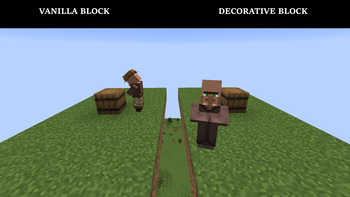
You spent hours on that crowded market alley, that cozy tavern lined with beds, that lively harbor. Then a few villagers wander in and claim every barrel, lectern and bed. The atmosphere you built is gone.
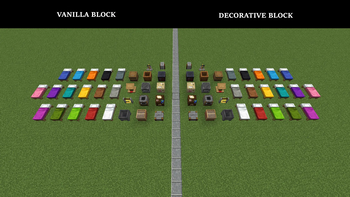
Decorative Workstations fixes that. Every workstation, the bell and the bed get a decorative twin: same look, same little animations, zero function. Villagers ignore them completely.
Your original blocks are never modified. You decide what stays functional and what is pure decoration.
🧱 What You Get
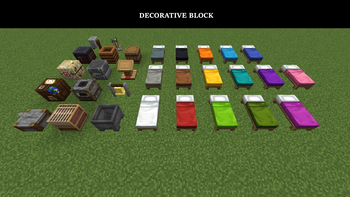
- All 13 workstations, the bell and the bed (all 16 colors) in a decorative version.
- A dedicated creative tab that keeps them all in one place.
- Survival-friendly: craft decorative blocks using a Vanilla block + Item Frame. Decraft anytime to recover your original block (the frame is consumed).
🎬 Blocks That Feel Alive
Right-click them: no GUI, just the sights and sounds of the base game.
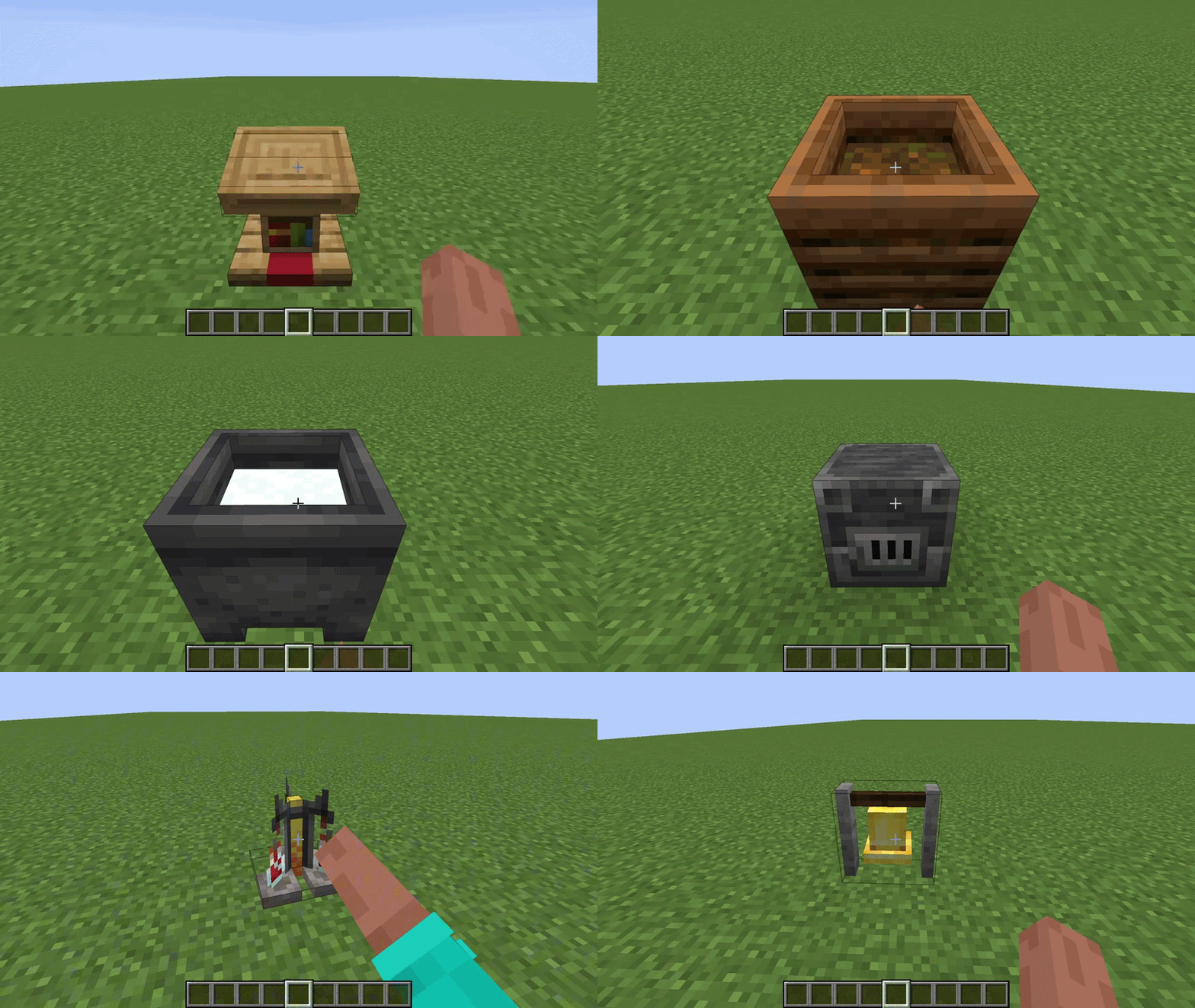
- Composter: fills up level by level (9 stages).
- Smoker & Blast Furnace: light up with a warm glow and smoke.
- Cauldron: cycles through water, lava and snow. Lava gives light and melts freezing!
- Brewing Stand: shows from 0 to 3 bottles.
- Bell: rings by hand or by projectile, and swings.
- Lectern: shows or hides its book.
🔍 Inspection Mode (New in 1.2.0)
Lost track of which block is real and which is decor? Inspection Mode outlines your decorative blocks right in the world.
- ⚙️ In-game configuration screen: adjust scan distance, outline thickness and more, directly from the game.
- 🎨 Customizable outline colors: color-code your outlines (Gold, Green, Red or Blue) separately for workstations, the bell and beds.
- 🔔 HUD & audio feedback: toggling the mode shows a clean HUD icon and plays a soft click sound.
- 👻 Wall transparency: fully compatible with Iris shaders, to spot hidden furniture through structures.
[!WARNING] Inspection Mode is off by default. Bind a key in Options ➔ Controls ➔ Keybinds to use it.
Configuration: the mod can be configured through its config file in the /config folder. However, we strongly recommend installing Mod Menu on Fabric to change the options easily from inside the game. On NeoForge, the config screen is built in and available from the game menu.
🕶️ Shaders
Want your lit smokers and lava cauldrons to glow properly? Grab the Shader Config Pack (ZIP), made by the author, on our Discord Server. It covers Complementary (Unbound & Reimagined), Photon, BSL, Solas Shader and Bliss, each with its own step-by-step guide.
⚠️ Good to Know
- Loaders: Fabric (Fabric API required) and NeoForge.
- Multiplayer: install the mod on the server and on every player's client.
- Before uninstalling: convert or remove your decorative blocks, or they will turn into air. Inspection Mode helps you find them all.
- Works with existing worlds and standard resource packs. Translated into English, French, German, Spanish and Brazilian Portuguese.
📌 Versions & Compatibility
- Latest Release · Minecraft 26.2 & 26.3 · ⭐ Recommended: Always grab the latest build from the Featured / Versions tab on Modrinth for all recent bug fixes, visual config menu, color outlines, and HUD feedback.
1.1.0· Minecraft 26.1.2 & 26.2 · 📦 Archived: Legacy build for MC 26.1.2 (no longer updated).
ℹ️ Note: Modrinth automatically serves the newest stable release for your Minecraft version. Official support is strictly limited to the latest available mod version.
💬 Support & contact: bug reports, questions and private requests (permissions, collaborations) are handled on our Discord Server.
License: Starting from version 1.2.0, the mod changes from an MIT license to a Proprietary (Freeware) license. Versions prior to 1.2.0 remain under the MIT license under which they were published. To view the full terms of use, please refer to the License tab on this page.
Personal Project: Developed in my spare time. Only the latest version of the mod is supported, and it targets the two latest Minecraft versions.
🙏 Credits: thanks to Mod Menu by the TerraformersMC team, which makes configuring the mod on Fabric much more comfortable.
Галерея