COWMODSКаталог модов

🎨 Custom Outline

Personalise your Minecraft block outline with Respackopts support and an online generator.

Автор: NotToBlame53,2 тыс.65обновлён 24 сент. 2026 г.
core-shaderstweaksУтилиты

Описание

Custom Outline Banner

Ko-Fi Support Discord

Custom Outline lets you change the colour, opacity and thickness of Minecraft's block selection outline. By default, it comes with the color #ffcc00 Default Color Swatch

Web Generator

The easiest way to create a custom pack is to use the Custom Outline Generator.

Select your settings, choose your Minecraft version, and download the generated pack.
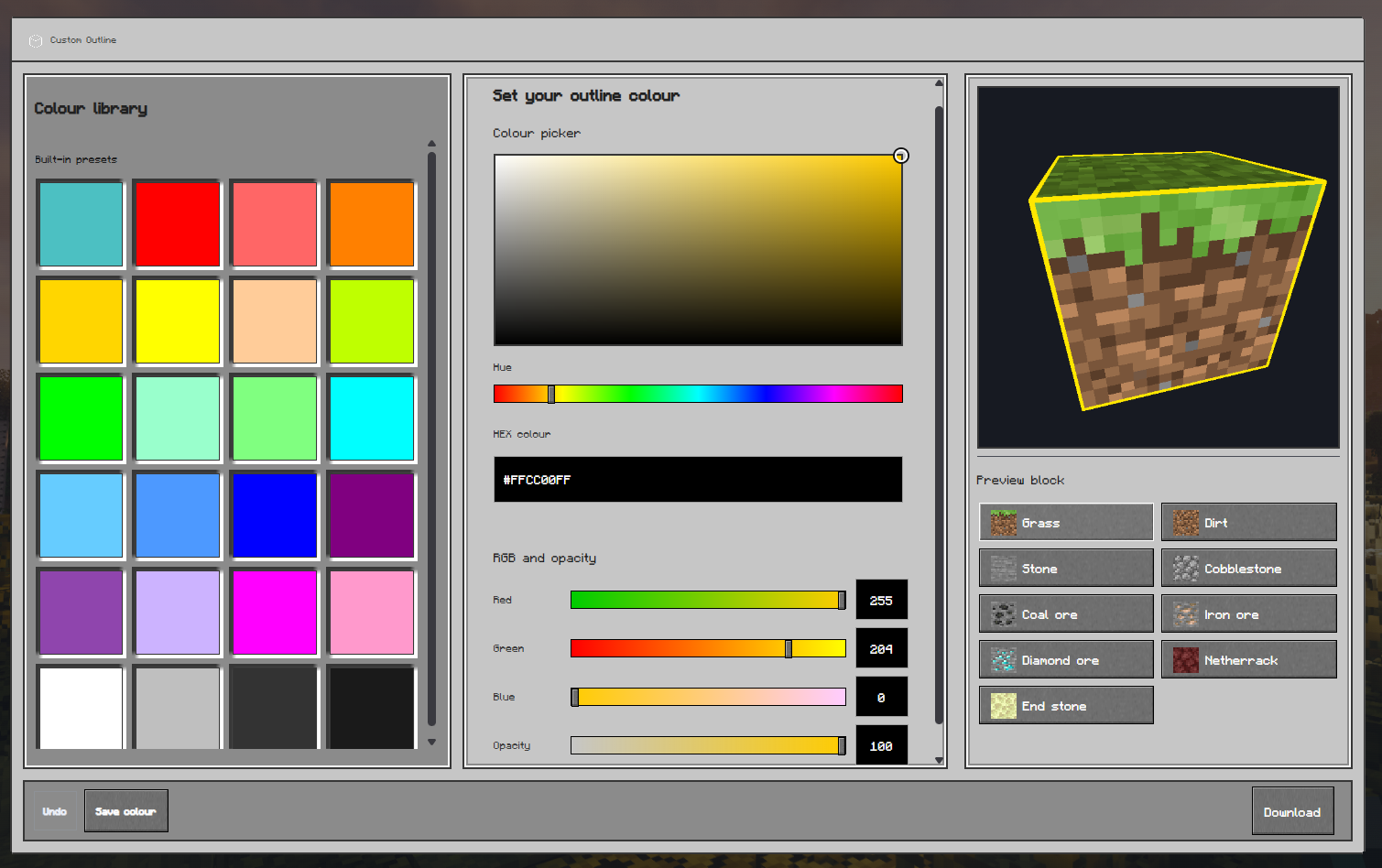
Custom Outline web generator preview

Respackopts Support

Custom Outline v1.1.0 supports Respackopts.

Install Respackopts and LibJF, then open the Custom Outline settings through Respackopts or Mod Menu. From there, you can change the outline colour, opacity, thickness, and animation.

The newest packs use Respackopts format v13 and support the newer preset system. Older packs use format v12, which supports the main settings but not the newer preset-file system.
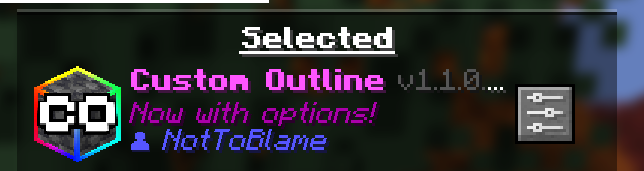
Respackopts Button Showing in Resource Packs

Manual Editing

You can manually edit the shader if you prefer.

Open:

assets/minecraft/shaders/core/rendertype_lines.vsh

Find the #ifndef respackopts_loaded section and change the colour values:

#define customOutline_outline_red 255
#define customOutline_outline_green 204
#define customOutline_outline_blue 0
#define customOutline_outline_opacity 100
#define customOutline_outline_thickness 1.0

Save the file and press F3 + T in Minecraft to reload the pack.

Rainbow Outline

To use the rainbow animation, replace:

#define customOutline_outline_mode_static

with:

#define customOutline_outline_mode_rainbow

⚠️ Compatibility

Custom Outline is not compatible with shaderpacks that replace Minecraft's core shaders, such as Iris or OptiFine shaderpacks.

If you want to use shaders with a custom outline, use a shaderpack with its own outline settings, such as:

Troubleshooting

The pack is marked incompatible

Make sure you are using the version selected for your Minecraft installation.

The settings menu is missing

Install Respackopts and LibJF for your Minecraft version, then restart the game.

The outline has not changed

Make sure Custom Outline is enabled and press F3 + T to reload the resource pack.

Also check that another resource pack is not overriding the same shader.

The pack stops working after enabling shaders

Shaderpacks may replace the shader used by Custom Outline. Disable the shaderpack or use its built-in outline settings instead.

Need help or have a suggestion?

Reach out on GitHub or join the Support Discord.

License

🎨 Custom Outline is © NotToBlame. You are permitted to:

  • ✅ Use it in modpacks if downloaded from official sources such as Modrinth or CurseForge
  • ✅ Create and publish addon packs, provided they do not include original Custom Outline files
  • ✅ Make personal edits for your own use

You may not:

  • ❌ Reupload or redistribute Custom Outline or its assets
  • ❌ Include original files in your own uploads or forks
  • ❌ Use the pack commercially without explicit permission

Read the full license →

Галерея

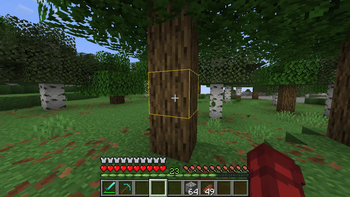
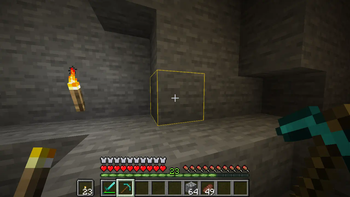
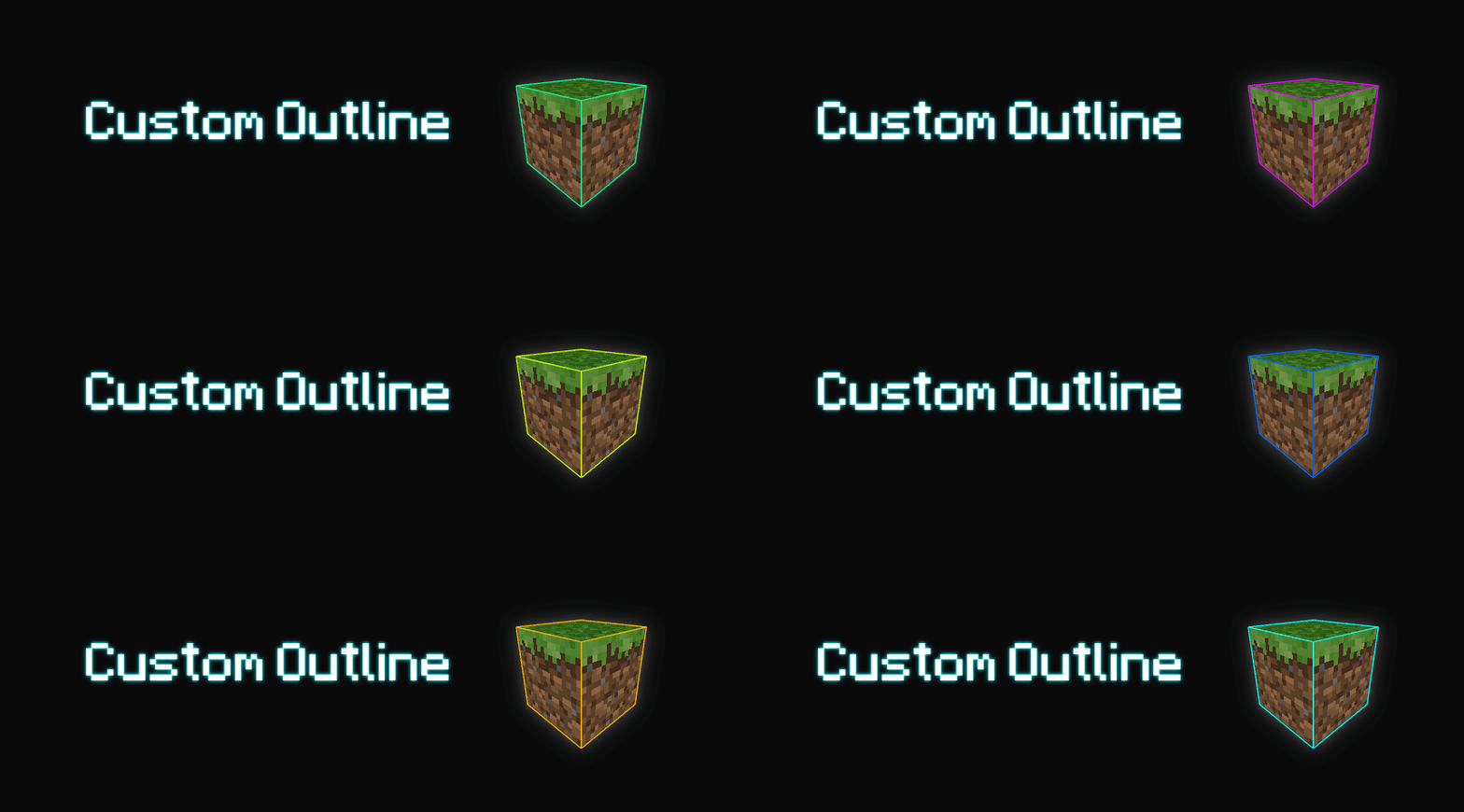
Outline PreviewOutline UndergroundBanner

Последние версии

Все версии →
release

🎨 Custom Outline v1.1.0 for 26.3

v1.1.0
24 сент. 2026 г.2,5 тыс.Minecraft: 26.3minecraft
Скачать
Что нового
## 🎨 Custom Outline v1.1.0 Changelog - **Respackopts Support** Added in-game options for outline colour, opacity, thickness, rainbow mode, and rainbow settings. - **Updated Pack Icon** Replaced the colour-specific icon with the new Custom Outline logo.
release

🎨 Custom Outline v1.1.0 for 1.21.11 - 26.2

v1.1.0
24 сент. 2026 г.2,8 тыс.Minecraft: 1.21.11, 26.1, 26.1.1, 26.1.2, 26.2minecraft
Скачать
Что нового
## 🎨 Custom Outline v1.1.0 Changelog - **Respackopts Support** Added in-game options for outline colour, opacity, thickness, rainbow mode, and rainbow settings. - **Updated Pack Icon** Replaced the colour-specific icon with the new Custom Outline logo.
release

🎨 Custom Outline v1.1.0 for 1.21.6 - 1.21.10

v1.1.0
24 сент. 2026 г.132Minecraft: 1.21.6, 1.21.7, 1.21.8, 1.21.9, 1.21.10minecraft
Скачать
Что нового
## 🎨 Custom Outline v1.1.0 Changelog - **Respackopts Support** Added in-game options for outline colour, opacity, thickness, rainbow mode, and rainbow settings. - **Updated Pack Icon** Replaced the colour-specific icon with the new Custom Outline logo.
release

🎨 Custom Outline v1.1.0 for 1.21.5

v1.1.0
24 сент. 2026 г.20Minecraft: 1.21.5minecraft
Скачать
Что нового
## 🎨 Custom Outline v1.1.0 Changelog - **Respackopts Support** Added in-game options for outline colour, opacity, thickness, rainbow mode, and rainbow settings. - **Updated Pack Icon** Replaced the colour-specific icon with the new Custom Outline logo.
release

🎨 Custom Outline v1.1.0 for 1.21.2 - 1.21.4

v1.1.0
24 сент. 2026 г.104Minecraft: 1.21.2, 1.21.3, 1.21.4minecraft
Скачать
Что нового
## 🎨 Custom Outline v1.1.0 Changelog - **Respackopts Support** Added in-game options for outline colour, opacity, thickness, rainbow mode, and rainbow settings. - **Updated Pack Icon** Replaced the colour-specific icon with the new Custom Outline logo.
release

🎨 Custom Outline v1.1.0 for 1.20.1 - 1.21.1

v1.1.0
24 сент. 2026 г.488Minecraft: 1.20.1, 1.20.2, 1.20.3, 1.20.4, 1.20.5, 1.20.6, 1.21, 1.21.1minecraft
Скачать
Что нового
## 🎨 Custom Outline v1.1.0 Changelog - **Respackopts Support** Added in-game options for outline colour, opacity, thickness, rainbow mode, and rainbow settings. - **Updated Pack Icon** Replaced the colour-specific icon with the new Custom Outline logo.
release

🎨 Custom Outline v1.0.0 for 1.17 - 1.20

v1.0.0
24 сент. 2026 г.90Minecraft: 1.17, 1.17.1, 1.18, 1.18.1, 1.18.2, 1.19, 1.19.1, 1.19.2, 1.19.3, 1.19.4, 1.20minecraft
Скачать
Что нового
## 🎨 Custom Outline v1.0.0 Changelog - **Updated Pack Icon** Replaced the old `pack.png` with the new Custom Outline logo. - **Legacy Version Support** Respackopts is not included for Minecraft 1.17–1.20. Use v1.1.0 on Minecraft 1.20.1–26.3 for in-game configuration options.
beta

🎨 Custom Outline v1.1.0-beta

v1.1.0-beta
17 сент. 2026 г.285Minecraft: 26.3minecraft
Скачать
Что нового
## 🎨 Custom Outline v1.1.0-beta Changelog - **Respackopts support for Minecraft 26.3** Added in-game controls for static/rainbow mode, RGB colour, opacity, outline thickness, rainbow speed, saturation, brightness, and colour presets. - **Manual configuration** Without Respackopts, edit `assets/minecraft/shaders/core/rendertype_lines.vsh`. Inside the `#ifndef respackopts_loaded` section, change the fallback values: - Replace `customOutline_outline_mode_static` with `customOutline_outline_mode_rainbow` to enable rainbow mode. - Edit the red, green, and blue values to change the outline colour. - Adjust opacity, thickness, rainbow speed, saturation, and brightness as needed. Save the file and reload the resource pack in Minecraft.
release

🎨 Custom Outline v1.0.2

v1.0.2
16 сент. 2026 г.244Minecraft: 26.3minecraft
Скачать
Что нового
## 🎨 Custom Outline v1.0.2 Changelog - **26.3 Support** Updated `rendertype_lines.fsh` & `rendertype_lines.vsh` to support the new changes implemented in 26.3-snapshot-5
beta

🎨Rainbow Outline v1.0.1 for 1.21.11

v1.0.1-rainbow
21 нояб. 2025 г.19,2 тыс.Minecraft: 1.21.11-pre1, 1.21.11-pre2, 1.21.11-pre3, 1.21.11-pre4, 1.21.11-pre5, 1.21.11-rc1, 1.21.11-rc2, 1.21.11-rc3, 1.21.11, 26.1-snapshot-1, 26.1-snapshot-2, 26.1-snapshot-3, 26.1-snapshot-4, 26.1-snapshot-5, 26.1-snapshot-6, 26.1-snapshot-7, 26.1-snapshot-8, 26.1-snapshot-9, 26.1-snapshot-11, 26.1-pre-1, 26.1-pre-2, 26.1-pre-3, 26.1-rc-1, 26.1-rc-2, 26.1-rc-3, 26.1, 26.1.1-rc-1, 26.1.1, 26w14a, 26.2-snapshot-1, 26.1.2-rc-1, 26.1.2, 26.2-snapshot-2, 26.2-snapshot-3, 26.2-snapshot-4, 26.2-snapshot-5, 26.2-snapshot-6, 26.2-snapshot-7, 26.2-snapshot-8, 26.2-pre-1, 26.2-pre-2, 26.2-pre-3, 26.2-pre-4, 26.2-pre-5, 26.2-pre-6, 26.2-rc-1, 26.2-rc-2, 26.2, 26.3-snapshot-1, 26.3-snapshot-2, 26.3-snapshot-3, 26.3-snapshot-4minecraft
Скачать
Что нового
- **1.21.11-pre1 Pack Update** Updated the pack to support newest snapshot.