COWMODSКаталог модов

Crazy Overpowered Ideas - COPI

Survive and conquer an unforgiving world with guns and gadgets.

Автор: scarabx4580обновлён 6 окт. 2026 г.
Снаряжение

Описание

Guns. Gadgets. Rocket Arrows. And Everything In Between.

M4A1 3D Model
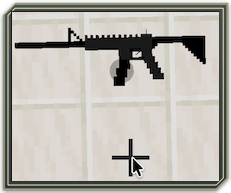
M4A1 Aiming
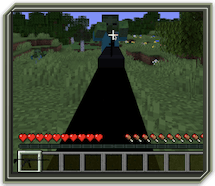
M4A1 Shooting
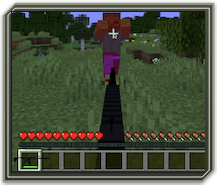
Autobow Mode Switching
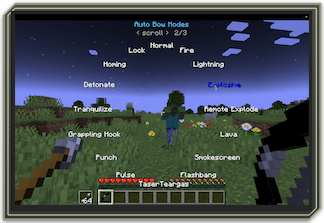
Autobow Launching Arrow
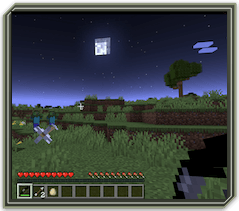
Arrow Homing And Exploding
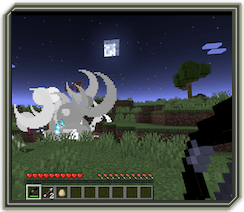
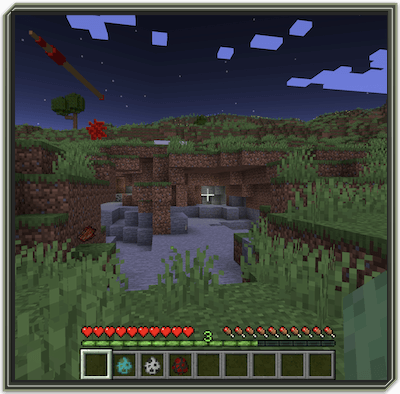
Arrow Returning
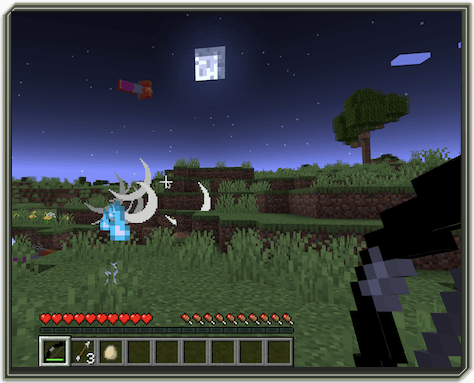
Launching Yaka Arrow
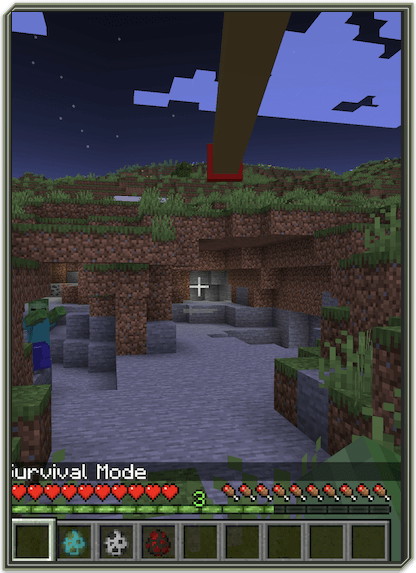
Yaka Arrow Killing Zombie
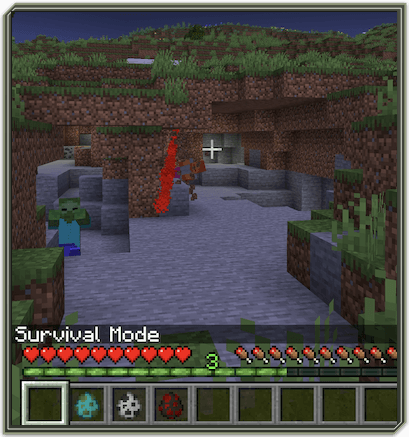
Yaka Arrow Chain Killing Zombie
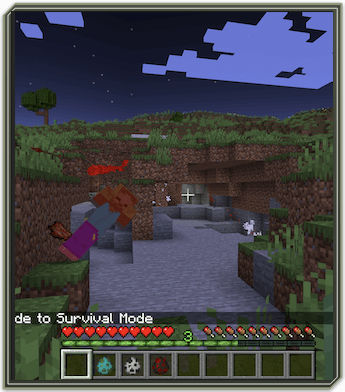
Yaka Arrow Returning

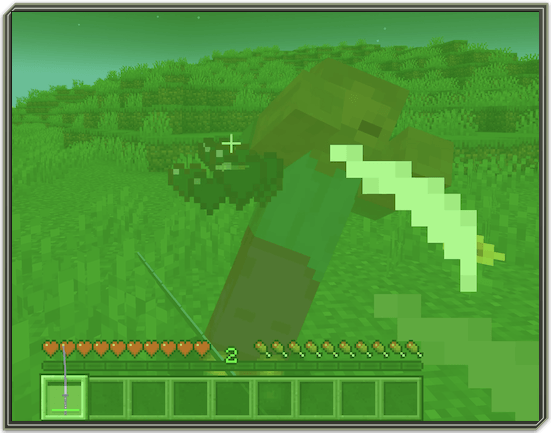
NVG Helmet
Sucker In Action
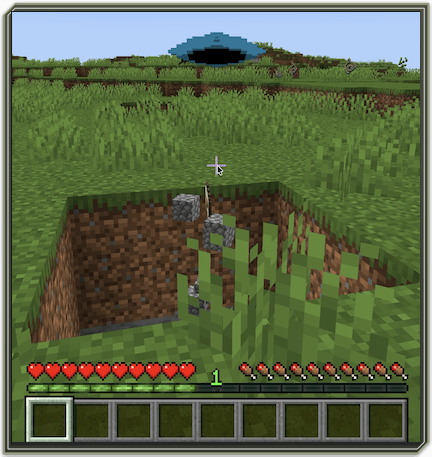
Sucker Dropping Blocks Mined
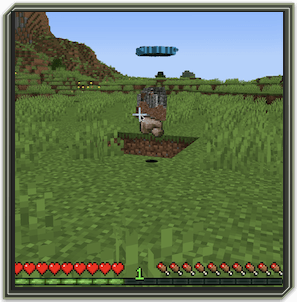
The Telepad In Action
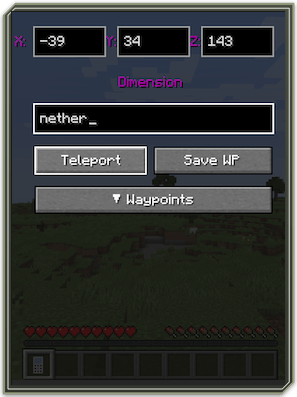
Teleporting To The Nether With The Telepad
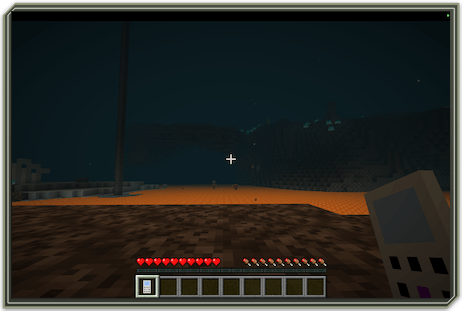

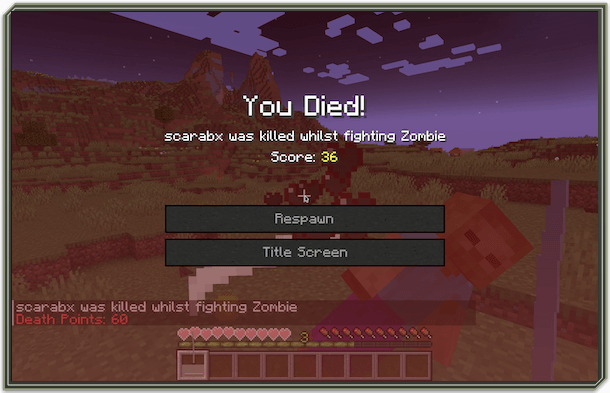
Kill Or Be Killed
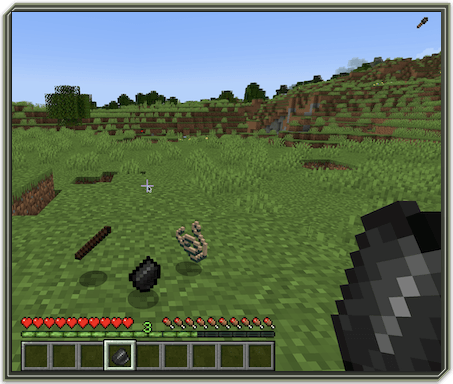
Dropcrafting: Dropping Crafting Ingredients
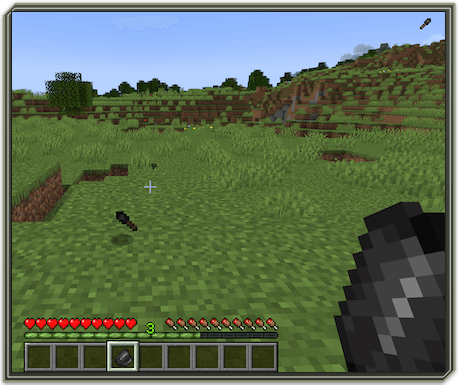
Dropcrafting Result
Why it asks which recipe you meant

Crafting on the ground has no grid, so when a pile could make two different things there is nothing to say which — the mod asks you rather than gamble with your materials.

A crafting table tells recipes apart by where you put things: the shape is the answer, which is why it never has to ask. The ground has no slots, so that information does not exist, and the only alternatives are to ask or to guess. Guessing wrong spends your materials on something you did not want, so it asks.

Pick what you meant and it is made. If you are going to make the same thing repeatedly, press Make on it and that answer is remembered until you clear it, and you are not asked again.

Dependencies
Fabric APIGeckoLib

GeckoLib is required. REI is no longer needed.

Voice Control (unfinished)

Voice control is present in the mod but not finished. It does not work out of the box and needs manual setup. Nothing else in the mod depends on it, and you can ignore it entirely.

If you want to try it anyway:

  1. Install Python if you don't have it.
  2. Install the vosk and sounddevice packages for Python.
  3. Download a Vosk English model and unpack it into a folder called copi-voice/model in your user folder.

Then press V in game for the voice settings screen, and R to talk. If something is missing, the settings screen says which part.

Bugs and suggestions

Found a problem, or have an idea? Open an issue on GitHub. No account needed beyond a GitHub one, and nothing to join.

For a bug, please include your COPI version, your Minecraft and Fabric Loader versions, any other mods you are running, and the crash report if the game crashed.

Modpacks

COPI removes every vanilla crafting recipe. The crafting table does nothing for vanilla items — they are all made on the ground instead. Recipes from other mods are untouched, so the rest of your pack keeps working normally. This is not configurable in this release.

No part of this work may be copied, modified, distributed, or published in any form without prior written permission from the copyright holder.

This mod may only be used in modpacks, provided proper credit is given and no modifications are made to the source files.

Галерея

Golron AlloyGolrondia AlloyGolrondiarite AlloyPumoPumo Metal

Последние версии

Все версии →
release

COPI 0.2.0+1.20.1

0.2.0+1.20.1
6 окт. 2026 г.30Minecraft: 1.20.1fabric
Скачать
Что нового
# COPI 0.2.0 — Crafting leaves the table **Drop your materials on the ground, hold the right tool, and right-click.** That's crafting now. No table, no grid, no menu. The first release in sixteen months. The last one had ten items; this has 225. **Updating? Delete the old jar — don't just add this one beside it.** --- ## Crafting on the ground Every vanilla recipe works this way now, alongside COPI's own — around **700 recipes**. The tool in your hand decides what you can make, and a better hammer does everything a worse one can. Drop more than you need and the extra stays on the ground. Bulk recipes make as many as your materials allow. **When a pile could make two different things, the mod asks instead of guessing.** A crafting grid tells recipes apart by *where* you put things — the ground has no slots, so the choice is to ask or to gamble with your materials. Pick what you meant, or press **Make** and it stops asking. ## The recipe browser Open it from the radial menu to see every recipe, what it needs and which tool it wants. Point with the mouse, left-click to confirm, right-click to go back. - **Drop something to see what it makes** — matches float to the top - **Save** bookmarks a project and counts ingredients from your inventory while you gather - **Drill into any ingredient** to see how *that* is made - It stays open while you raid your inventory, so you keep your place - One ingredient short, or wrong tool? It tells you which ## Forging, casting and tool tiers A full metalworking progression, from knapping flint to casting netherite. - **Flint first** — knap shards into a knife, axe, pickaxe, shovel, hoe and hammer to get started with no metal at all - **Ceramic moulds** — shape them unfired, fire them, then cast into them - **Molten and hot metal** — copper, iron, gold, steel, netherite and PumoPumo each pass through molten and hot stages before they set - **Tool heads and templates** for every tier, joined to handles to make the finished tool - **Steel** from iron sand and charcoal, through raw tamahagane to folded steel ## Weapons - **M4A1**, **Glock 19** and the **Accuracy International Arctic Warfare** — each built from barrels, receivers, magazines, stocks and grips, firing 9mm, 5.56×45mm NATO and .308 Winchester - **Autobow, heavily reworked** — it was in the last release, but now has switchable modes through the radial menu: homing with dwell-based lock-on, explosive arrows and remote detonation - **Yaka arrow** — smashes through walls, chains between enemies, and comes back to you - **Katana and Wakizashi**, forged through the tamahagane line and repaired with a sharpening stone - **Scarabonite dagger** and **shuriken** ## Armour - **Scarabarmour, heavily reworked** — the set existed before; new are the energy counter, switchable modes, explosive chaining, low-charge warnings and the set working as one unit - **Combat vest and helmet**, from kevlar fibre, with an NVG version - **NVG helmet**, **oxygen tank** and a four-piece **scuba set** - **Breakorax** and its vial join the gloves from last release ## A disease you build on purpose The **Looboolooboo virus** spreads to everything alive within thirty blocks *that it can see*. A wall, a closed door or a pane of glass stops it, so quarantine works. Carriers stop being contagious partway through, so outbreaks burn out. Cure it and vaccinate against it as items — or **throw the aerosol versions** and treat everything within sixteen blocks at once. The gas respects walls too, so you can clear one room without touching the next. Curing grants no immunity, so vaccinate afterwards or they catch it straight back. A **UV scanner** finds anyone carrying it who isn't showing symptoms yet. ## Machines, tools and gadgets - **The Telepad** — travel, including to the Nether - **Sucker** — mines and collects at range, with a lava-safe mode for the Nether - **Mill** — held in your offhand: flour, sugar and ground coffee - **Brain chip**, circuit boards, wire, battery and the NeuraNuke - **Laser pen, UV pen, 3D pen**, droptags and telotags - **Anti-gravity core** - **PumoPumo metal** as plate, filament and a solid block ## Food and drink **Coffee** end to end — arabica and robusta, cherries through roasting and grinding to espresso, cortado and flat white. Plus flour, dough, bread and baked eggs. ## Your inventory Terraria-style **sort**, **quick stack**, **restock**, **auto-trash with filters**, and **favourites** that survive all of it. ## For modpack makers **COPI removes every vanilla crafting recipe.** The crafting table does nothing for vanilla items — they're all made on the ground instead. **Recipes from other mods are untouched**, so the rest of your pack keeps working normally. This isn't configurable in this release. If your pack depends on vanilla crafting, COPI will change it fundamentally — that's the point of the mod, but it's worth knowing before you add it. ## Also Every item has a tooltip. The radial menu works while you move. Voice control exists but is **unfinished and off by default** — it needs Python set up by hand, and you can ignore it entirely. **Requires GeckoLib.** REI is no longer needed.
release

COPI 0.1.7.1-1.20

0.1.7.1-1.20.1
21 янв. 2026 г.100Minecraft: 1.20.1fabric
Скачать
Что нового
Fixed Converted cooldown: Changed Converted Energized from 10 seconds to 10 minutes and changed Converted Depleted from 5 seconds to 5 minutes.
release

COPI 0.1.7-1.20

0.1.7-1.20.1
20 янв. 2026 г.30Minecraft: 1.20.1fabric
Скачать
Что нового
added looboolooboo virus, cure, vaccine with infection logic added cooldown to Scarabarmour added cooldown to METOS added scarabonite dagger added effects added comments added feature overhauls cleaned up files added textures and lang for items blocked milk drinking
release

COPI 0.1.6.1-1.20

0.1.6.1-1.20
4 янв. 2026 г.28Minecraft: 1.20.1fabric
Скачать
Что нового
Fixed game breaking bugs
release

COPI 0.1.6-1.20

0.1.6-1.20
18 авг. 2025 г.43Minecraft: 1.20.1fabric
Скачать
Что нового
Added Scuba Set. Added Saddles crafting. Added Sticks to Oak Planks crafting. Added Wool to String crafting.
release

COPI 0.1.5-1.20

0.1.5-1.20
14 авг. 2025 г.30Minecraft: 1.20.1fabric
Скачать
Что нового
Added Battery. Added NVG (Night Vision Goggles) Helmet.
release

COPI 0.1.4-1.20

0.1.4-1.20
5 авг. 2025 г.24Minecraft: 1.20.1fabric
Скачать
Что нового
Overhauled Auto Bow and Sucker mode cycling system: Shift rightclick to cycle modes have been replaced by a radial menu for choosing modes. Radial menu is opened with R key while Auto Bow or Sucker is in hand. Auto Bow arrow homing is now turned on and off with bow radial menu. Auto Bow Remote Explode arrows are now detonated using Detonate button in bow radial menu. Added Arabica Coffee Cherries, Arabica Coffee Beans, Roasted Arabica Coffee Beans, Ground Arabica Coffee Beans, Arabica Espresso, Cortado and Flat White, Robusta Coffee Cherries, Robusta Coffee Beans, Roasted Robusta Coffee Beans, Ground Robusta Coffee Beans, Robusta Espresso, Cortado and Flat White.
release

COPI 0.1.3.1-1.20

0.1.3.1-1.20
29 июл. 2025 г.27Minecraft: 1.20.1fabric
Скачать
Что нового
Fixed Sucker keep mode issue, Sucker content release can now be done in a different position than initial position.
release

COPI 0.1.3-1.20

0.1.3-1.20
28 июл. 2025 г.31Minecraft: 1.20.1fabric
Скачать
Что нового
Added Sucker with crafting recipe. Rightclick to deploy Sucker entity that sucks up mobs and blocks from under and the sides. Shift rightclick to change Sucker depth mode. Modes: 16: Sucks until reaching Y level -16. 32: Sucks until reaching Y level -32. 64: Sucks until reaching Y level -64. Shift rightclick while Sucker is in offhand slot to change Sucker behaviour mode. Modes: Spit: Sucks in mobs and blocks and spits mobs and blocks out towards player. Destroy: Sucks in mobs and blocks and doesn't spit mobs and blocks out. Keep: Sucks in mobs and blocks, drops itself and spits mobs and blocks out on next use while in Keep mode. At the moment Keep mode release can't be done at another position than the initial position. Issue is being worked on.
release

COPI 0.1.2-1.20

0.1.2-1.20
26 июл. 2025 г.33Minecraft: 1.20.1fabric
Скачать
Что нового
Added Pocket Dimension. Added Exotic Matter.