Colorflow
Colorflow is a client-side Fabric mod that lets you pick any color and instantly find the 9 closest Minecraft blocks using Delta-E 2000 color matching. Includes RGB sliders, HEX input, a visual gradient generator, and one-click hotbar fill.
Описание

Colorflow
Pick any color and find the 9 closest Minecraft blocks instantly using perceptual CIEDE2000 (ΔE 2000) color science.



-f59e0b?style=flat-square)

Colorflow brings a studio-grade color picker and block-gradient generator straight inside Minecraft. Instead of naive RGB math that misjudges brightness and saturation, Colorflow ranks every registered block in your game (vanilla and modded) using the CIEDE2000 (ΔE 2000) perceptual color-difference standard used in print and design tools, then pushes your palette straight into your Creative hotbar in one click.
100% client-side. Works in singleplayer and on any server where client utility mods are allowed.
Core Tools for Builders
| Feature | |
|---|---|
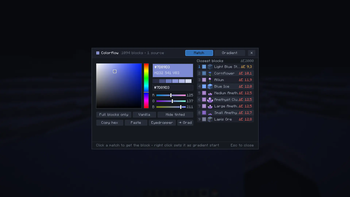
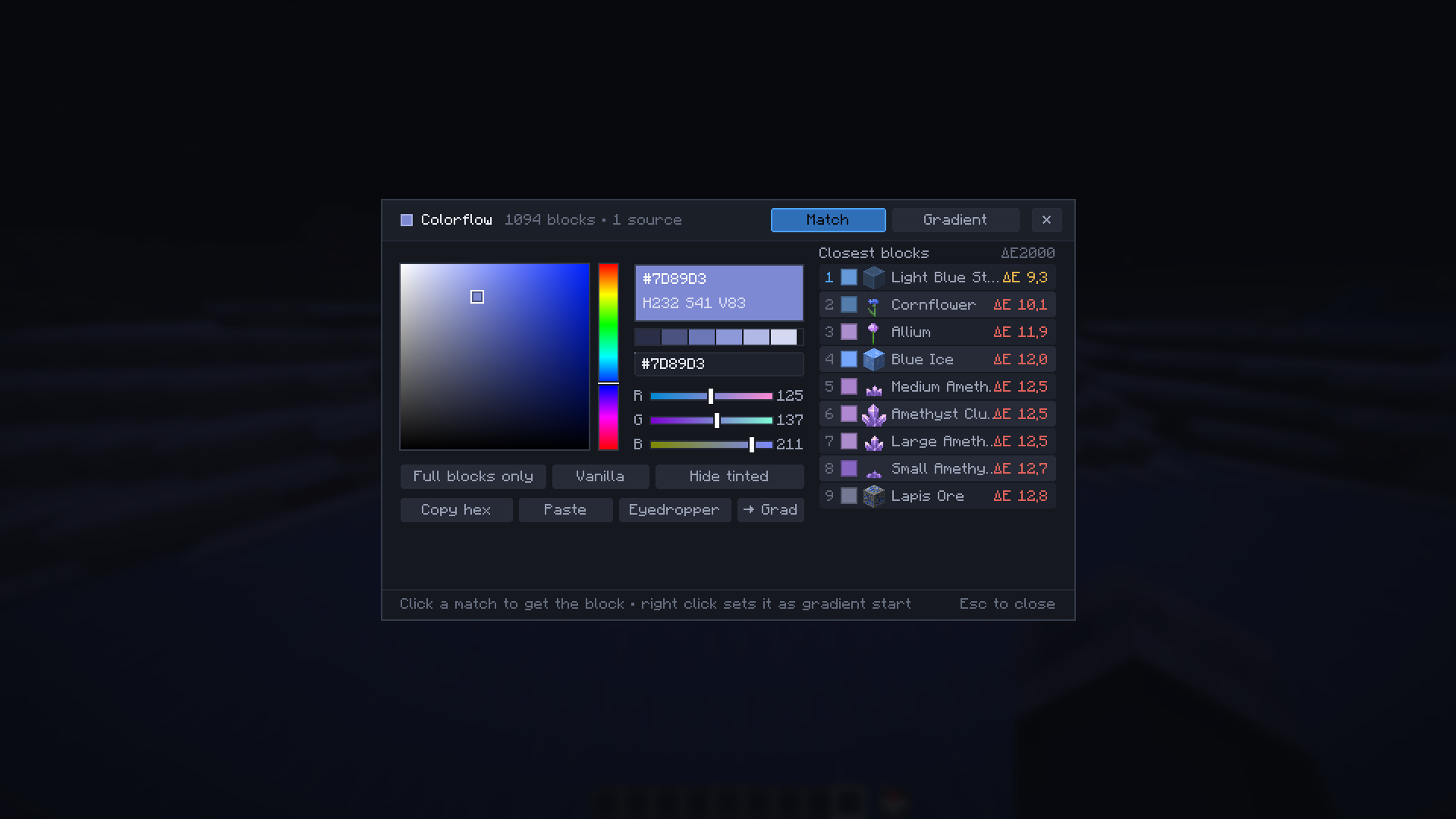
 | Match Tab & Live HSB / RGB / HEX Picker Drag across a Photoshop-style saturation/brightness square, hue slider, RGB sliders, or paste any #RRGGBB hex code from your clipboard. The 9 closest blocks update in real time at full framerate, each displaying its sprite, block ID, geometry, and exact ΔE 2000 score. |
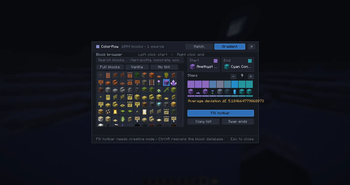
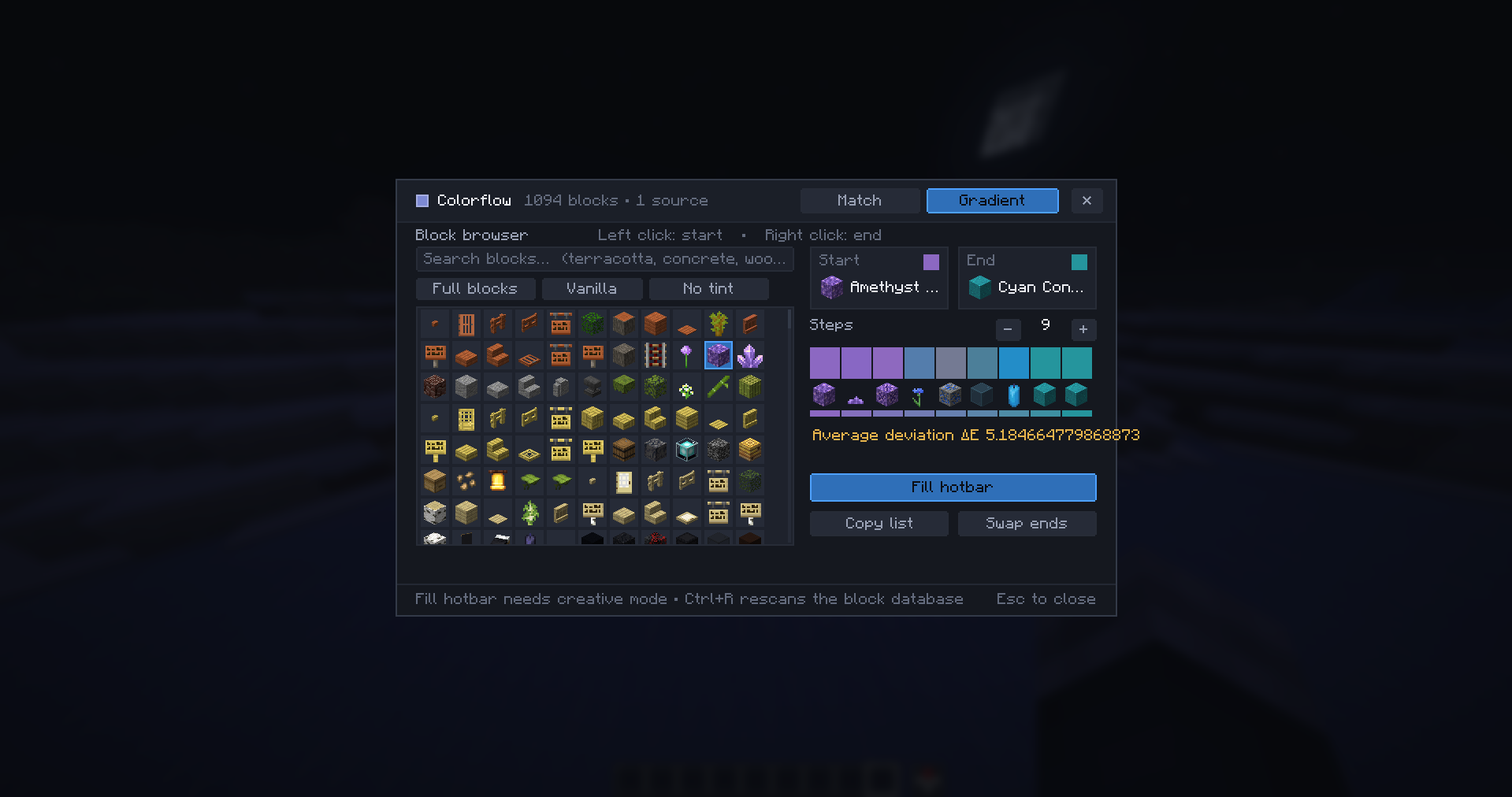
 | Gradient Tab with ΔE Quality Rating Search any start and end block ( terracotta, concrete, tuff, modded blocks…), pick your step count, and preview the real block sequence right above the ideal interpolated color ramp. An Average Deviation ΔE badge scores accuracy (Green ≤ 2, Amber ≤ 10, Red > 10). |
 | In-World Eyedropper & Smart Block Filters Sample the exact color of the block under your crosshair and match surrounding shades immediately. Toggle Full blocks only, Vanilla only, or Hide biome-tinted blocks (grass, foliage, water) so every result is actually buildable on walls and roofs. |
 | One-Click Creative Hotbar Fill & Clipboard Push an entire generated gradient straight into your Creative hotbar with Fill Hotbar, swap gradient endpoints in one click, or copy individual block IDs, hex codes, or full palette lists to share with your build team. |
Controls & Quick Interactions
Press C in game (remappable in Options → Controls → Key Binds) to open Colorflow:
| Interaction | Action |
|---|---|
| C | Open Colorflow (Match & Gradient tabs) |
| Left-Click on a matched block | Grab the block (Creative) |
| Right-Click on a matched block | Set block as Gradient start |
| Shift + Left-Click | Copy exact namespace:block_id to clipboard |
Installation & Supported Versions
- Install Fabric Loader and Fabric API.
- Download the Colorflow JAR matching your exact Minecraft version on the Versions tab (
29dedicated builds covering1.19through26.3) and place it in.minecraft/mods/. - Launch Minecraft and press C.
All 29 Supported Minecraft Releases & 10 Built-In Languages
Minecraft Versions (1.19 → 26.3):
1.19 · 1.19.1 · 1.19.2 · 1.19.3 · 1.19.4 · 1.20 · 1.20.1 · 1.20.2 · 1.20.3 · 1.20.4 · 1.20.5 · 1.20.6 · 1.21 · 1.21.1 · 1.21.2 · 1.21.3 · 1.21.4 · 1.21.5 · 1.21.6 · 1.21.7 · 1.21.8 · 1.21.9 · 1.21.10 · 1.21.11 · 26.1 · 26.1.1 · 26.1.2 · 26.2 · 26.3
Built-In Translations: English · Français · Deutsch · Español · Italiano · Português (BR) · Русский · 日本語 · 한국어 · 简体中文
Support & Credits
Found a block edge case or want to suggest a builder feature? Join our Discord community.
Project icon artwork by Elfi (@elfi_draw) · Licensed under MIT
Галерея