

BuildersUtilities
A curated bundle of tiny features that help builders do their thing.
Автор: TehBrian5,7 тыс.23обновлён 16 сент. 2026 г.
Утилиты
Описание
BuildersUtilities
A curated bundle of tiny features that help builders do their thing.
About
This is a fork of Arcaniax's Builder's Utilities with customizable messages and nicer-looking GUIs. Be aware that the two plugins do not function exactly the same; they differ greatly in some areas.
What's different?
- Every message is easily configurable and uses MiniMessage syntax.
- World interactions respect PlotSquared and WorldGuard restrictions.
- Both the permissions and the commands have been completely redone. (See the plugin.yml for an updated list!)
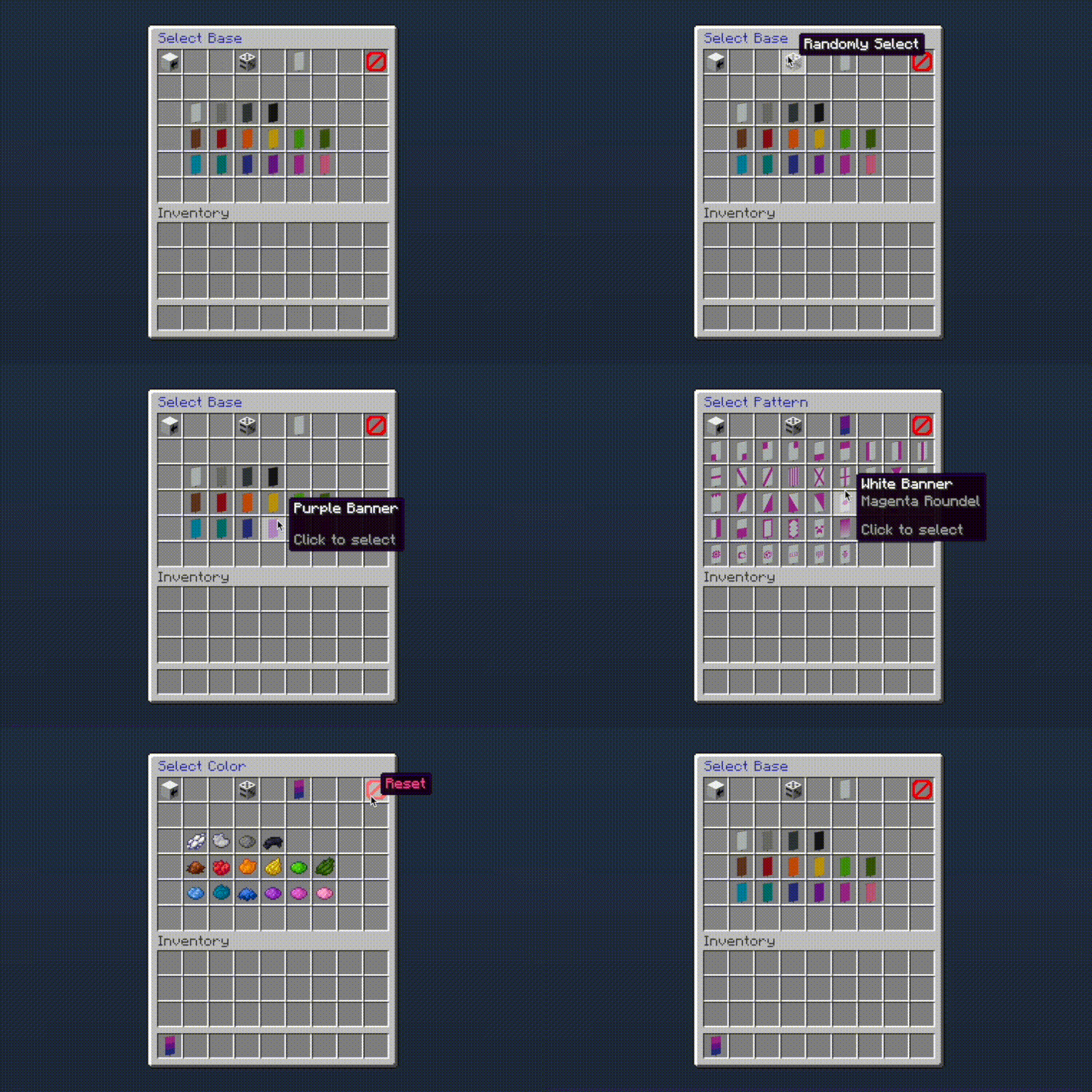
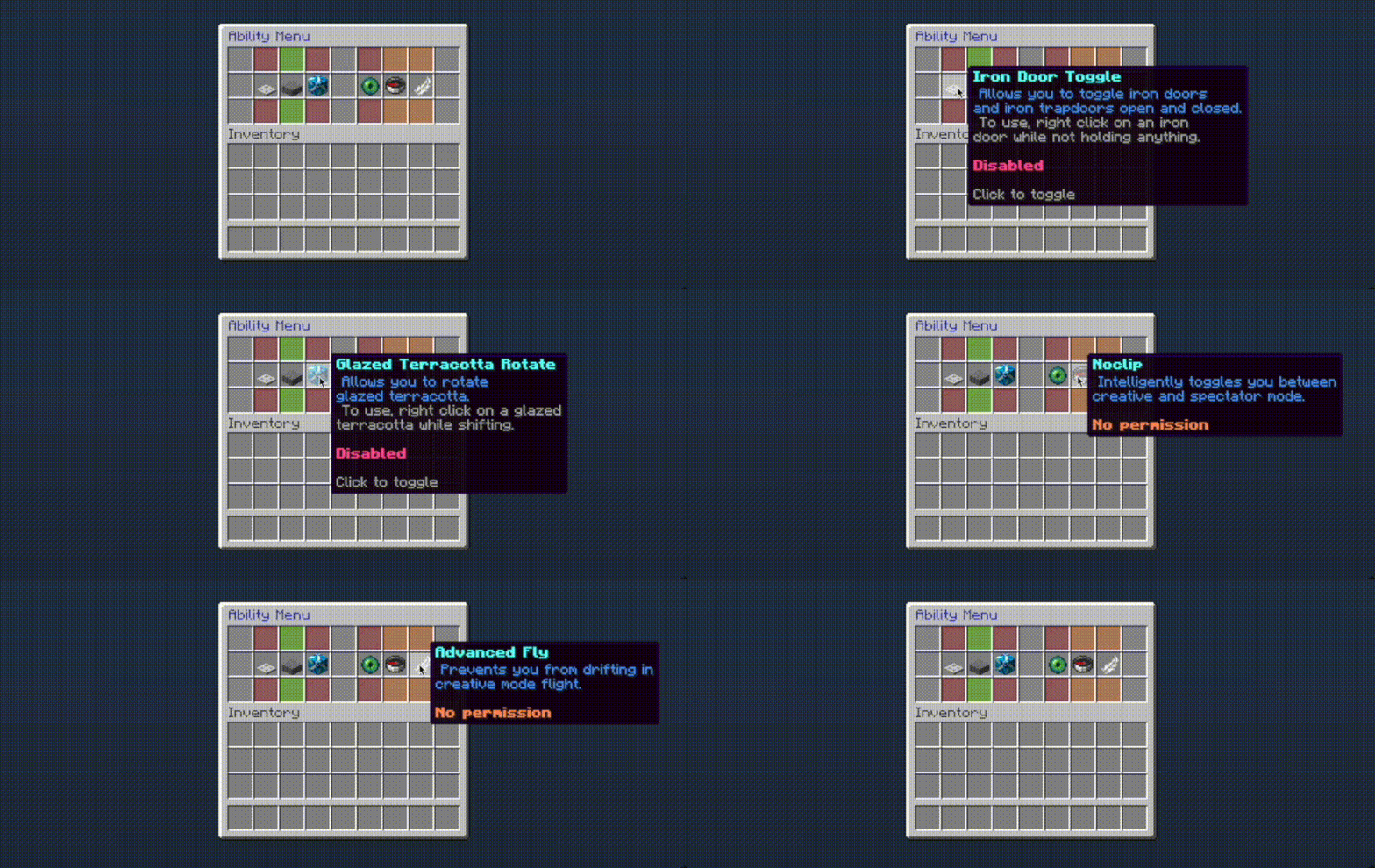
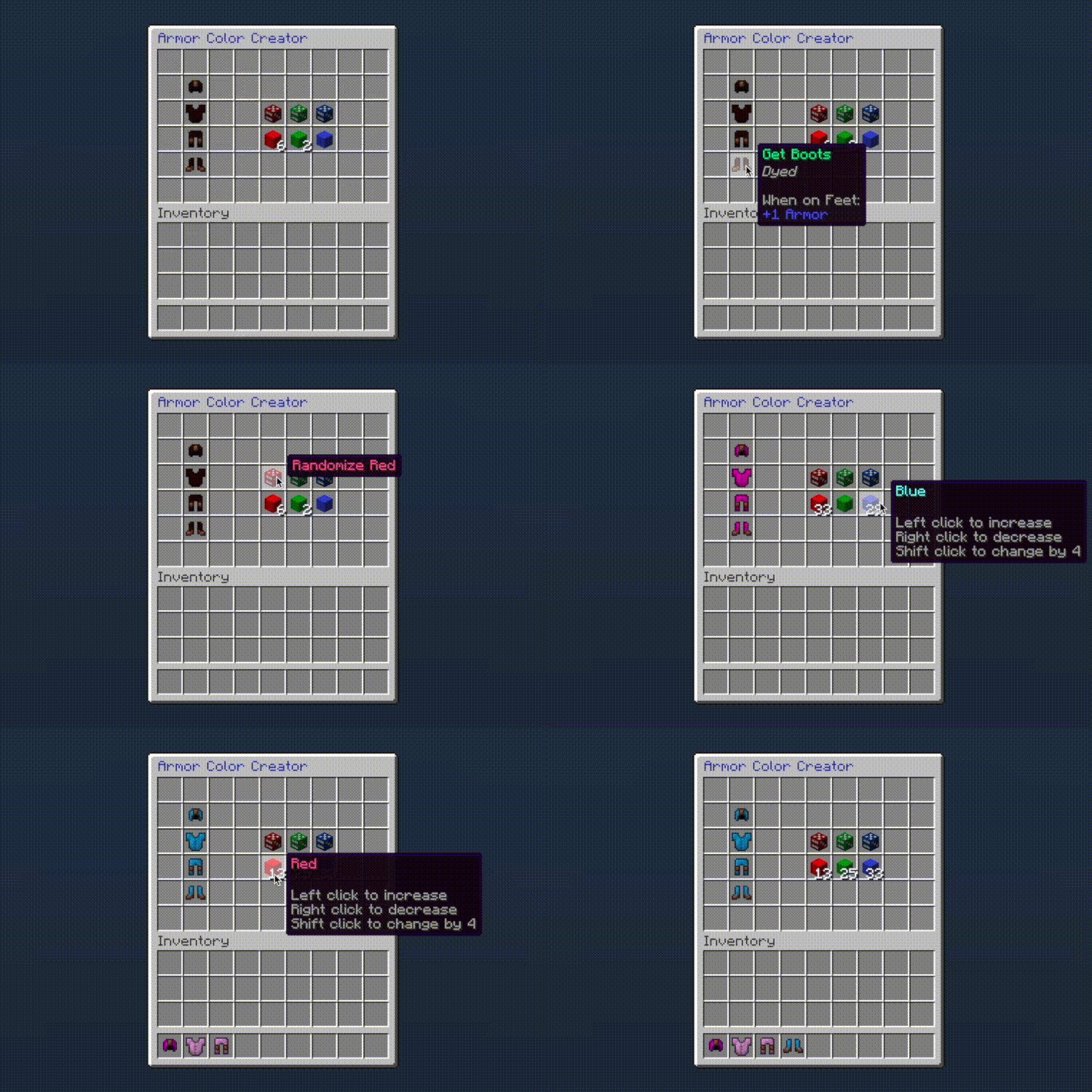
- All the GUIs have been revamped. Everything looks and feels a lot nicer.
In addition to that, everything has been polished and reviewed, rigorously, by me, over a couple sleepless nights. Now that's what I call quality code.
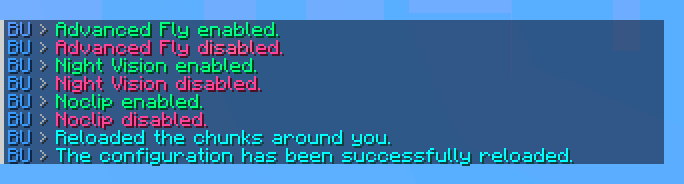
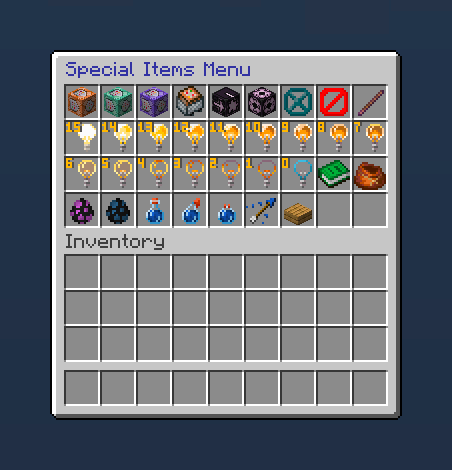
Screenshots
Последние версии
Все версии →release
1.10.1
1.10.116 сент. 2026 г.349Minecraft: 26.3paper
release
1.10.0
1.10.014 июл. 2026 г.469Minecraft: 26.2paper
Что нового
- Fixed occasional stuttering when noclip switches game modes.
- Hid tooltips of background GUI items.
- Improved ability descriptions.
release
1.9.1
1.9.16 июл. 2026 г.171Minecraft: 26.1.2paper
Что нового
- Improved physics configuration behavior.
- This applies to `disable-redstone`, `disable-gravity-physics`, and `disable-physics`.
- They should now function as well as (if not better than) the original plugin.
release
1.9.0
1.9.030 мая 2026 г.157Minecraft: 26.1.2paper
Что нового
- Iron door/trapdoor toggling now behaves similarly to wooden door/trapdoor toggling.
- Improved the special items menu.
- The menu config now uses vanilla's item parsing syntax to specify items.
- The menu now instantly adds clicked items to your inventory to better match other menus.
- Added an invisible item frame to the default items.
release
1.8.3
1.8.314 авг. 2024 г.2 тыс.Minecraft: 1.21.1paper
Что нового
- Added config versioning.
- Your existing configs will be archived.
- If you made any changes, please merge your archived configuration back into the defaults.
release
1.8.2
1.8.25 авг. 2024 г.408Minecraft: 1.21paper
Что нового
- Re-ordered colors in the banner menu for usability, aesthetics, and to better match the creative menu's color ordering.
release
1.8.1
1.8.128 янв. 2024 г.629Minecraft: 1.20.4paper
release
1.8.0
1.8.028 янв. 2024 г.187Minecraft: 1.20.2paper
Что нового
This version introduces new config options. If upgrading, regenerate your `config.yml` file.
- Re-added the WorldEdit aliases from the original BuildersUtilities plugin.
- To enable them, set `worldedit-aliases` to `true` in `config.yml` and restart your server.
- Restored the original physics-disabling config options from the original plugin.
- The original functionality has been tweaked, though: notably, `disable-redstone` is no longer dependent on `disable-physics`.
- Added more items to the default special items menu (`/bu special`).
- It now includes all light block levels and ***all*** items inaccessible from the regular creative menu.
- Players can now toggle iron doors when sneaking.
- The player's hand now swings when rotating glazed terracotta or toggling iron doors.
- Night vision now uses an infinite potion duration.
- The special items menu's size is now dependent on the amount of items contained and ranges from 1-6 rows (9-54 slots).
- The `no-permission` message can now be changed by a plugin reload (`/bu reload`).
release
1.7.1
1.7.14 сент. 2023 г.667Minecraft: 1.20.1paper
Что нового
- Added support for PlotSquared 7 restrictions.
release
1.7.0
1.7.029 апр. 2023 г.329Minecraft: 1.19.4paper
Что нового
If upgrading, regenerate your `lang.yml` and `config.yml` files. Config options have been added, so the plugin **will not work** if you don't regenerate both configs.
- Overhauled banner creator menu.
- Banner sessions are now persistent. You can close and reopen the menu via `/banner` without losing your progress.
- Added an undo button.
- Added a reset button to clear the current banner.
- Cleaned up wordings in armor color creator menu.